Complementary Unbound
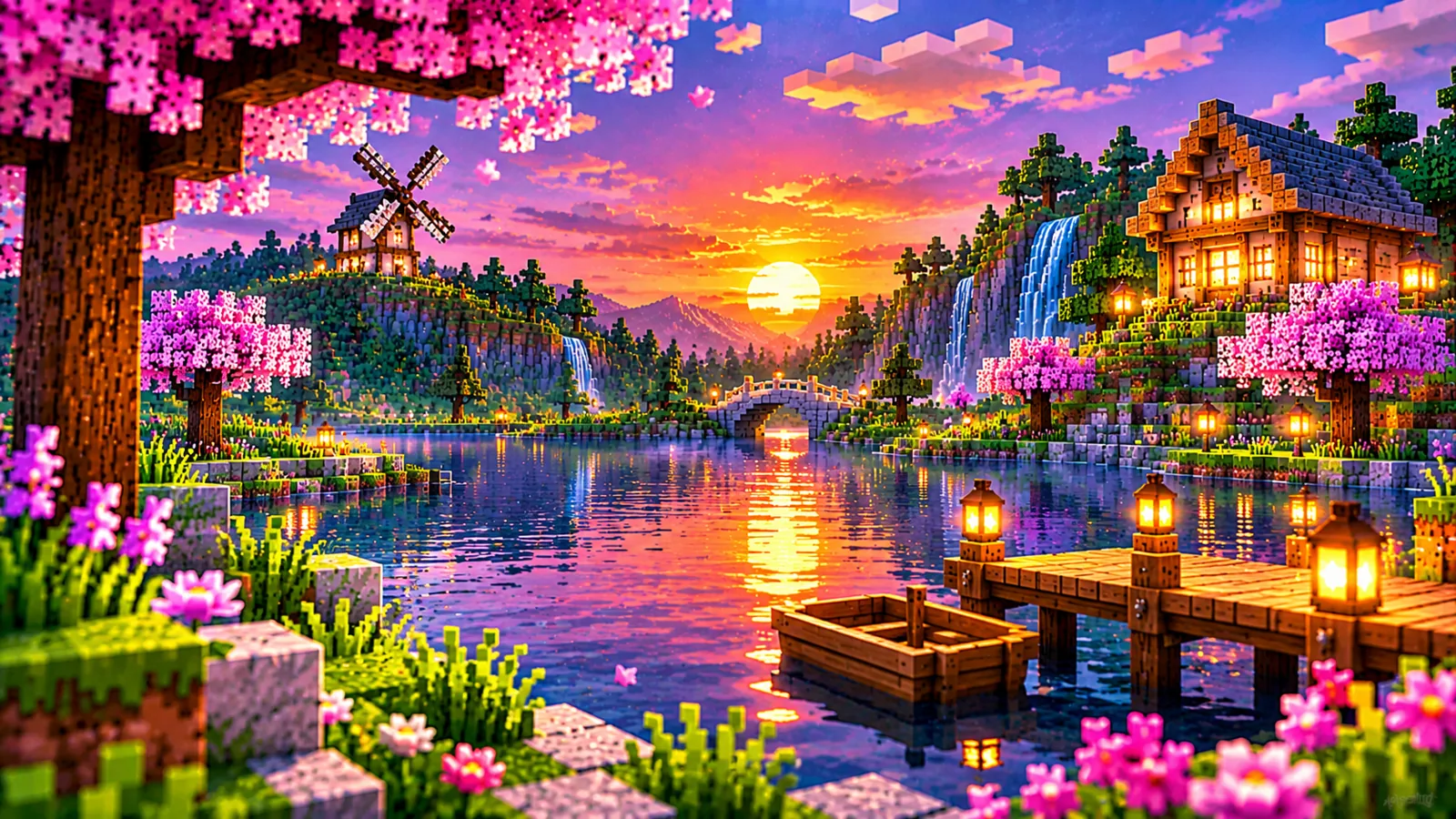
Realistic & immersive style
- Natural cinematic atmosphere
- Expressive lighting and reflections
- Best for a more dramatic look
Discover breathtaking landscapes, soft natural shadows, luminous skies and beautifully reflective water. Explore the two distinctive Complementary Shaders styles and find the settings that suit your Minecraft experience.
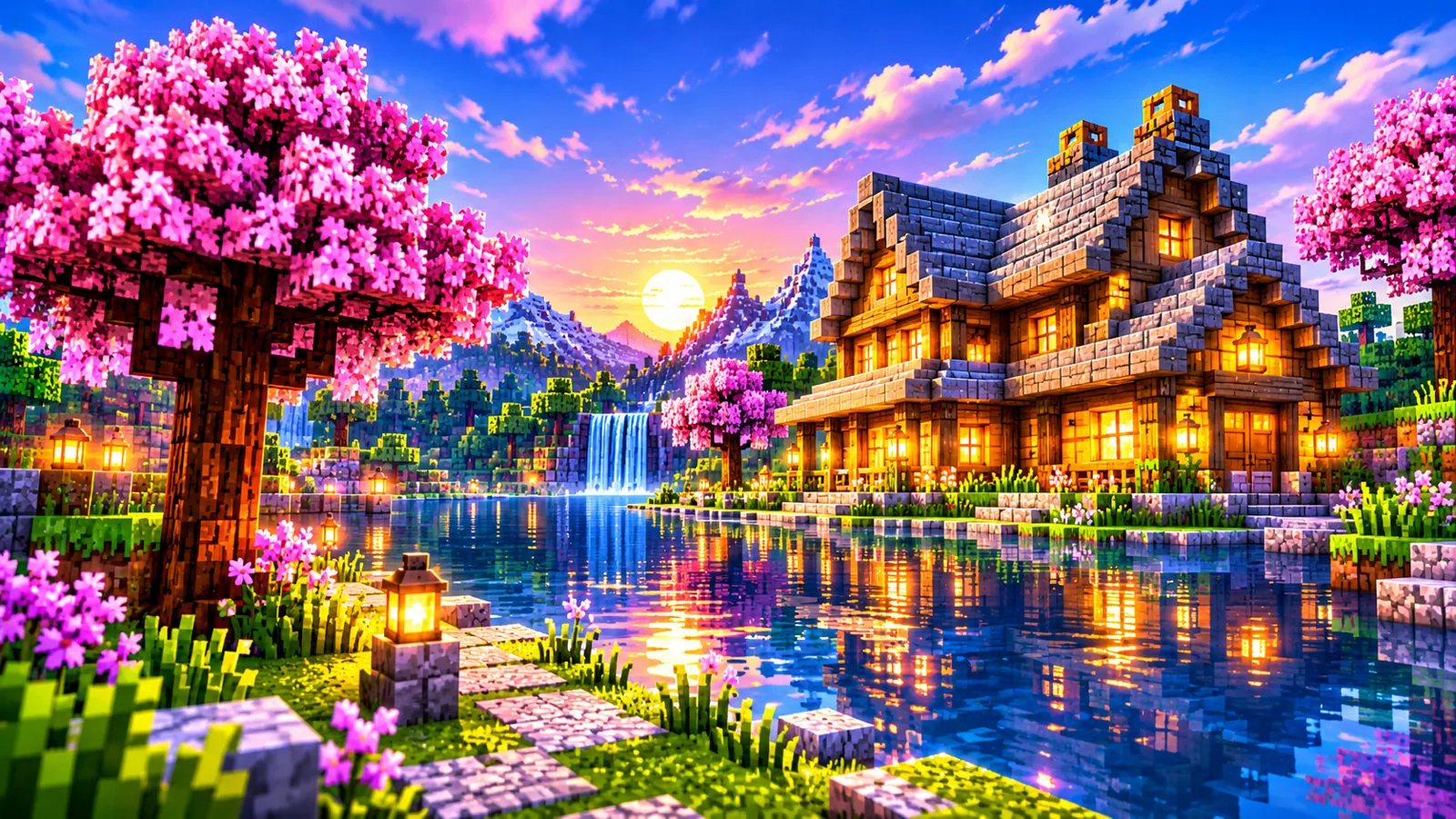
Complementary Shaders is a popular visual enhancement pack for Minecraft Java Edition. It changes the way light, shadows, clouds, water and atmosphere appear without replacing the heart of the game. Whether you prefer a familiar blocky look or a more cinematic world, its two visual styles give you room to choose.
Complementary Shaders focuses on the appearance of Minecraft Java Edition worlds rather than adding new blocks or changing survival rules. The most noticeable differences often appear at sunrise, around torchlit builds, beside rivers and under cloudy skies. Its settings make it possible to adjust the presentation of these familiar environments without rebuilding a world.
Choose Unbound or Reimagined. Download the current shader ZIP directly to your device.
Complementary Shaders comes in two visual directions. Unbound emphasizes a cinematic atmosphere, while Reimagined keeps a stronger connection to Minecraft’s original appearance. Select the ZIP for the style you want, then follow the installation steps below.
Realistic & immersive style
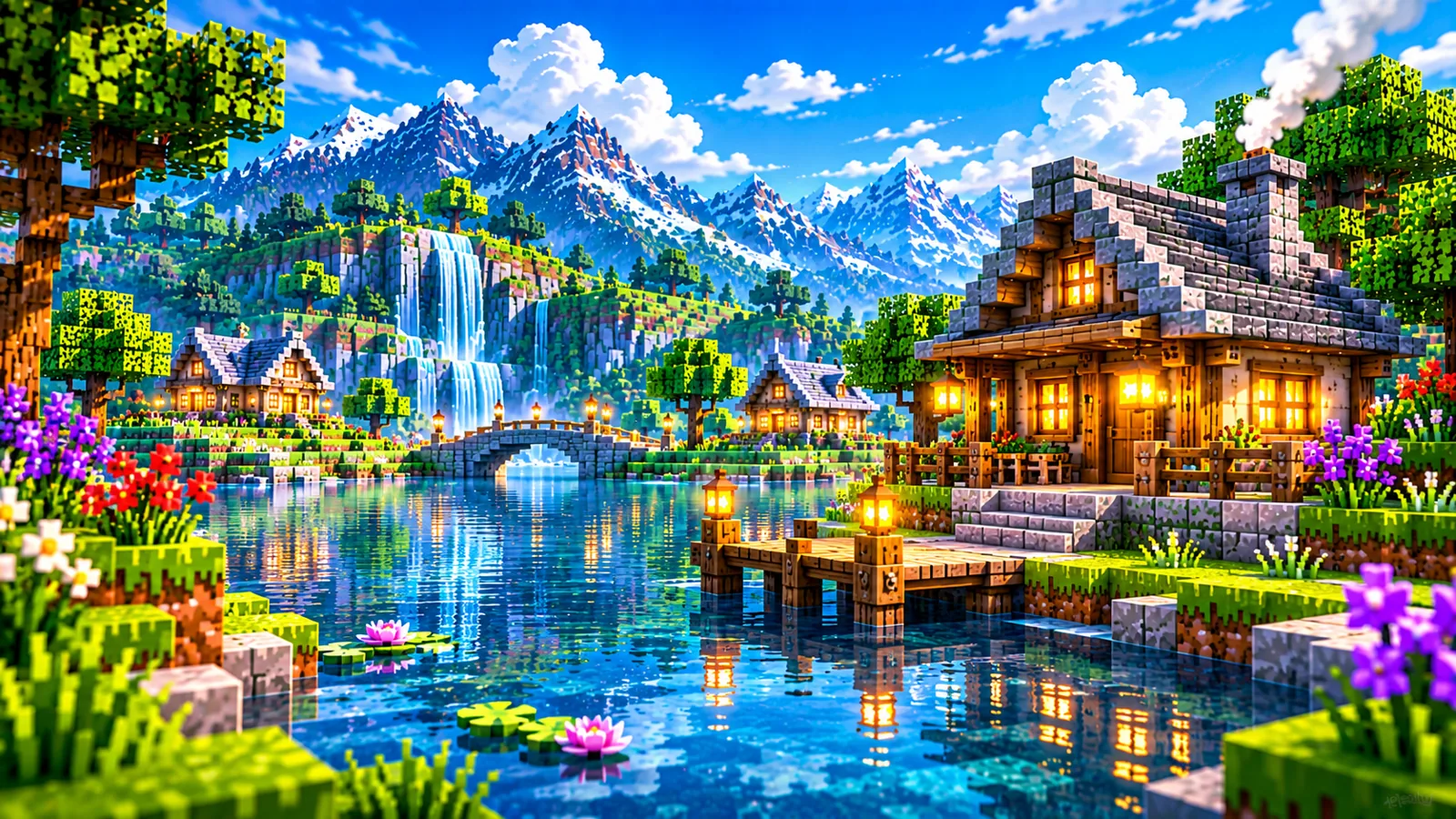
Vanilla-inspired style
Explore different seasons, environments and lighting moods.
Compare the styles and find the one that fits your world. Complementary Unbound and Complementary Reimagined are alternatives for different visual preferences, not a simple better-or-worse ranking. Unbound is designed around a more realistic aesthetic; Reimagined aims to retain the character of vanilla Minecraft while enriching the scene.
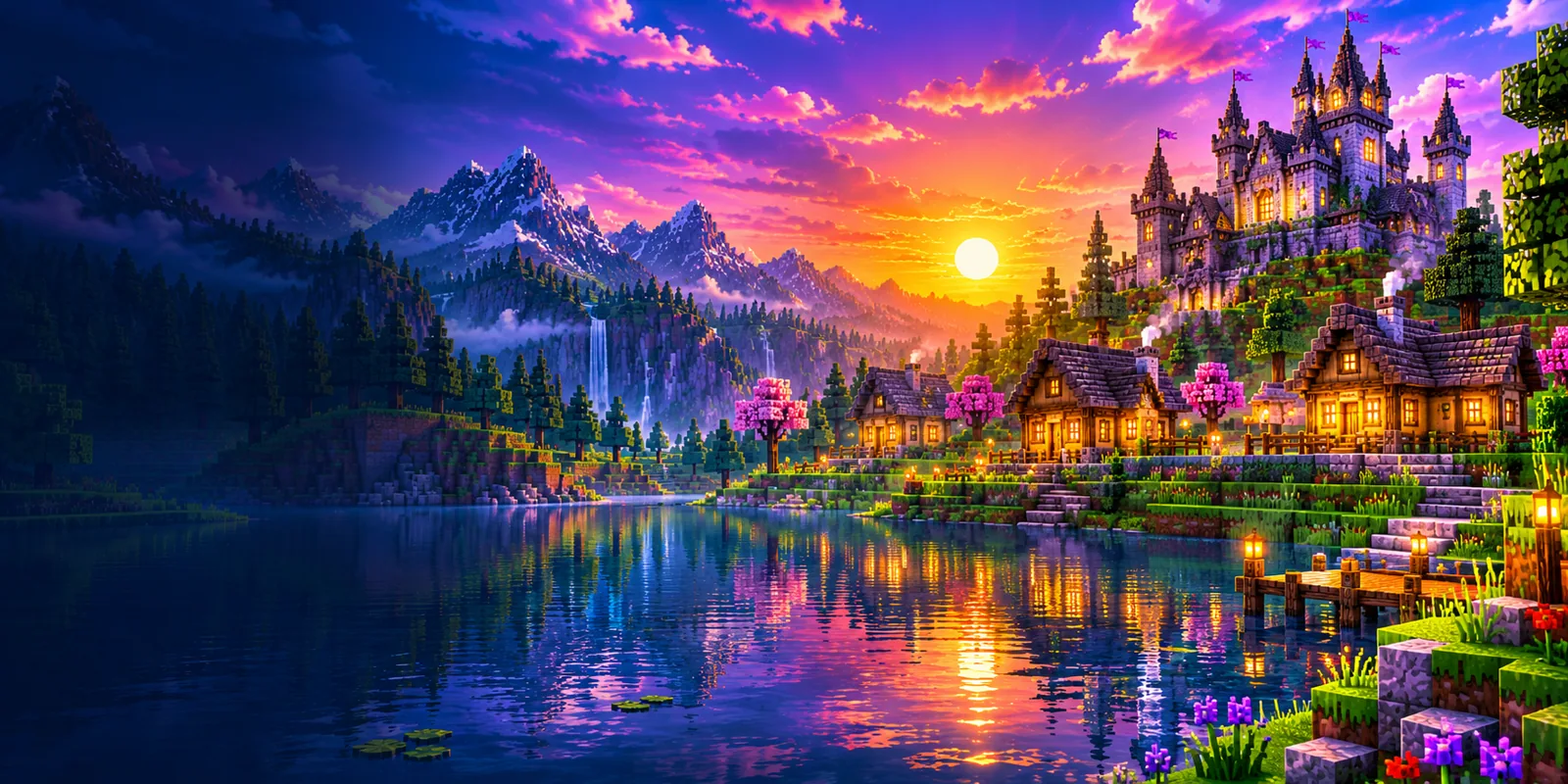
Illustrative artwork demonstrates contrasting moods; these are not verified in-game comparison captures.
Visual depth, atmosphere and controls in one shader experience. Complementary Shaders combines several adjustable visual effects. Lighting can soften outdoor scenes, shadows add depth to buildings and foliage, and water treatment can make shorelines more expressive. The exact appearance depends on the style and preset you choose.
Warm sunlight, glowing sunsets and inviting indoor scenes.
Water surfaces can add a richer sense of place.
Clouds, mist and color help build a memorable mood.
Adjust the visual balance to suit your preference.
Explore presets and settings to tune responsiveness.
Complementary Shaders is intended for Minecraft Java Edition. Compatibility depends on the particular shader release, your Minecraft version, the shader loader and your graphics hardware. Always review the current release notes before installing or updating.
Check Requirements →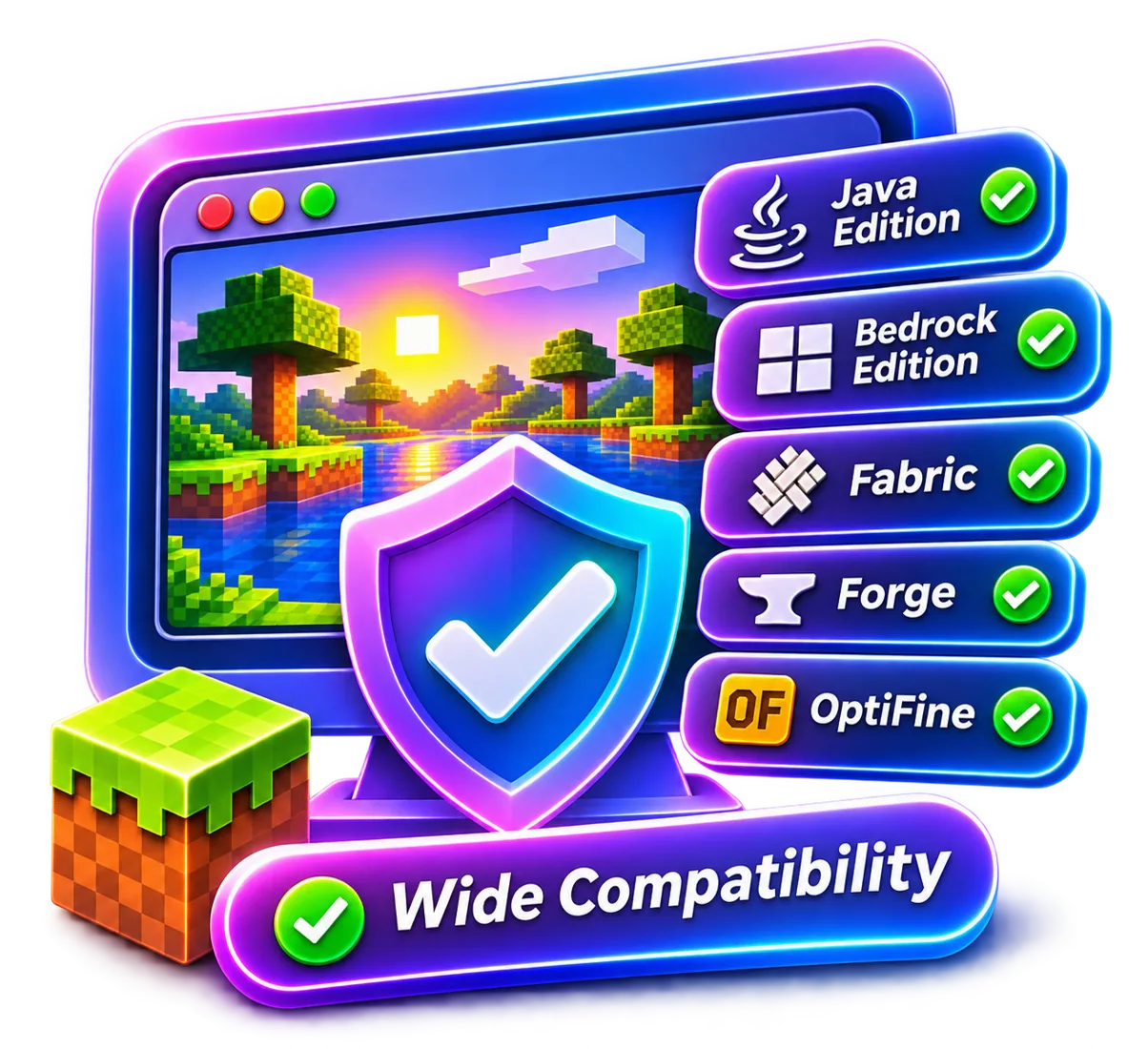
There is no single performance result that applies to every computer. Shader quality and frame rate depend on your graphics processor, resolution, render distance, chosen settings and other modifications. Start with a modest preset, then increase visual quality gradually while checking stability.
Graphics performance is influenced by the GPU, screen resolution, render distance, other installed mods and the selected Complementary Shaders profile. A powerful system may handle elaborate effects comfortably, while an older laptop may benefit from reduced shadows and lower cloud detail.
Use a lightweight configuration when smooth movement matters most, a balanced configuration for everyday play, or a richer visual configuration when your hardware has spare capacity. Instead of copying another player's numbers, adjust settings one at a time and compare results in the same location.
For a practical comparison, visit the same location and look in the same direction after each settings change. Begin with a lighter Complementary Shaders profile and raise selected effects gradually. Record what changes so you can return to a stable configuration.
Follow a simple installation flow using a compatible shader loader. The general installation process is to prepare a supported Minecraft Java Edition setup, install a compatible shader loader, place the Complementary Shaders ZIP in the shader-pack location used by that loader, and select it in the game’s shader settings. Menu names and folder locations can differ between loader versions.
Confirm your Minecraft Java Edition version and read the shader pack's current compatibility notes.
Choose a compatible loader, such as Iris where supported, and follow its official instructions.
Download the shader ZIP using the download buttons above.
Open the shader selection menu, select the pack and test a world before changing advanced settings.

The best settings depend on the effect you want and the capabilities of your PC. Start by choosing a preset, then review shadow resolution, cloud quality, reflections, volumetric effects and render distance. Change one option at a time so you can understand its impact. For exploration and screenshots, prioritize the details you notice most. For building or multiplayer sessions, favor stable frame pacing and clear visibility over maximum visual complexity.
See Optimization Tips →A useful Complementary Shaders settings workflow starts with a preset, then moves to individual effects. Shadow resolution, volumetric lighting, clouds, reflections and related quality options can change both the look and the workload. The available labels may differ between releases.

Lighting can change the personality of an entire build. Soft afternoon rays create a welcoming village scene, while deeper shadows make caves and forests feel mysterious. Water reflections can connect the landscape to the sky and make lakes, rivers and shorelines stand out. Complementary Shaders offers a way to explore these effects while keeping your own preferences in control. Rather than turning every effect to its highest level, consider the environment you spend the most time in. A bright survival base, an underground project and a scenic mountain world may each benefit from a different balance of brightness, shadow detail and atmosphere. The visual character of Complementary Shaders is especially noticeable during transitions between day and night. Early morning light can emphasize the shape of hills and roofs, while evening scenes can highlight the contrast between outdoor darkness and illuminated windows.

Begin with lower shadow and cloud quality, reduce render distance if necessary, and test at a resolution your system handles comfortably. Close unnecessary background applications, keep drivers updated and avoid changing several settings simultaneously. This makes it easier to identify which options improve frame rate without sacrificing the effects you enjoy most. Remember that performance can vary by world, weather, biome and mod configuration. Compare settings in the same test scene for a more useful result. Low-end PC users can still experiment with Complementary Shaders by starting conservatively. Reduce render distance, lower expensive shadow options, and compare the results before changing more settings. If available, choose a performance-oriented preset.
If the pack does not appear in your shader menu, first confirm that your shader loader is installed and that the file is in the correct location. If the game crashes or displays unexpected visuals, check release compatibility, loader versions and graphics drivers. Temporarily disable conflicting modifications to isolate the problem. For low frame rates, switch to a lighter preset before changing advanced options. Keep a copy of your preferred settings so you can restore them after experimenting. If Complementary Shaders appears installed but does not load, confirm that the shader ZIP is not inside an extra nested folder and that the shader loader recognizes the file. For visual artifacts, compare the current game and loader versions with the release requirements.

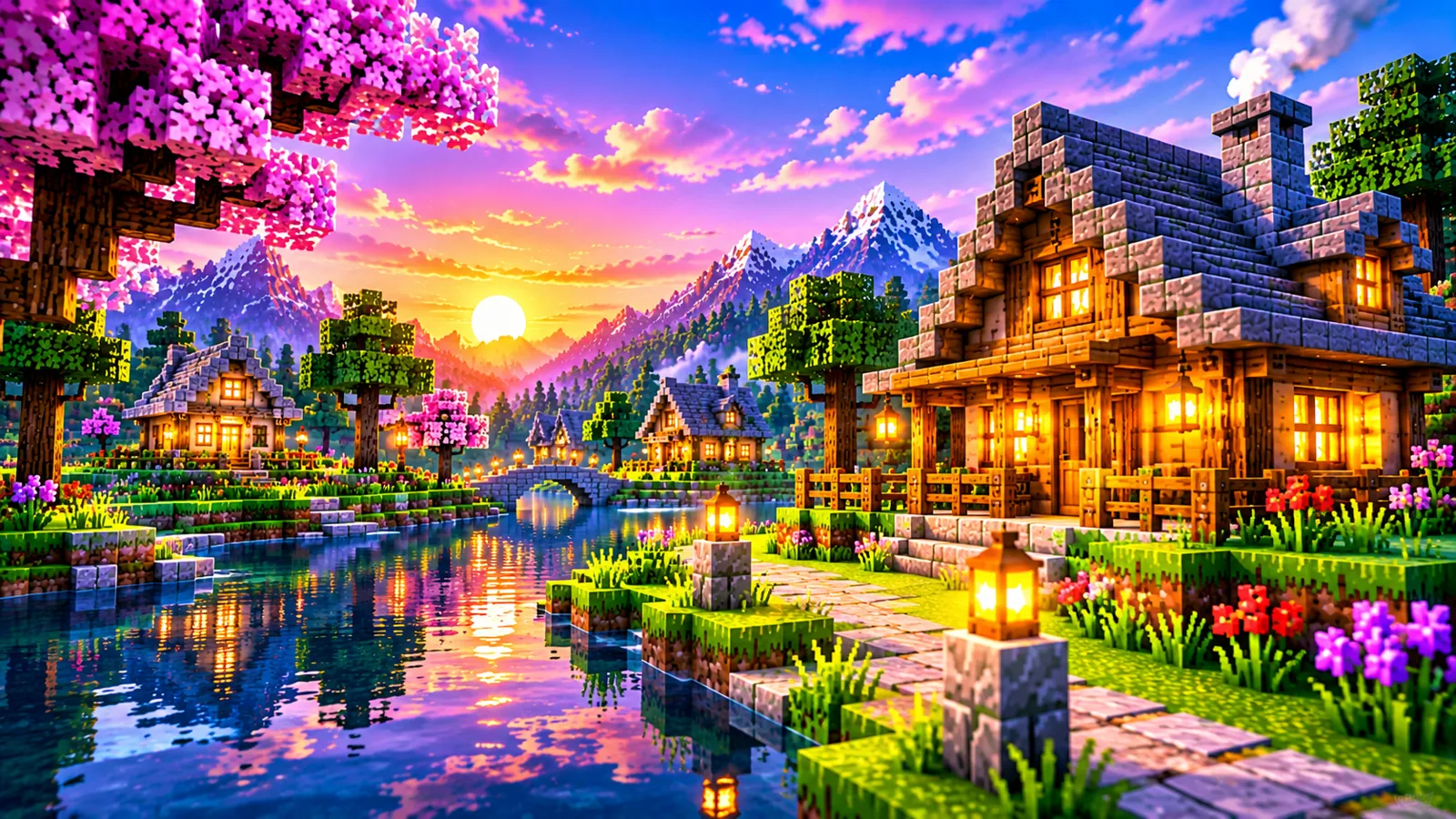
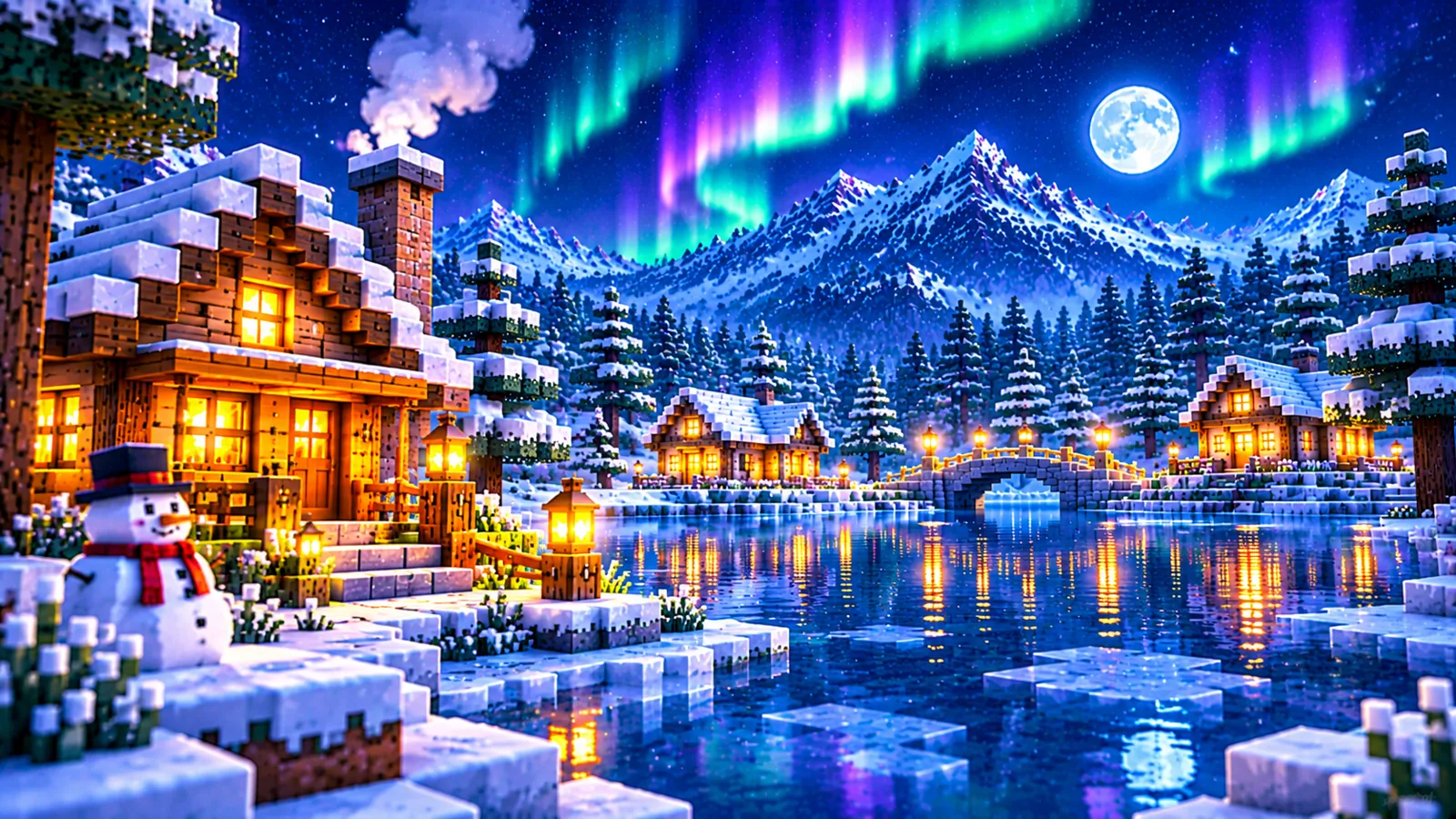
The same creative world can feel completely different under a new sky. Complementary Shaders can create distinct moods across familiar environments. A lakeside village at sunset emphasizes warm reflections, snowy terrain highlights cool daylight, and night scenes reveal how artificial light contrasts with the surroundings.
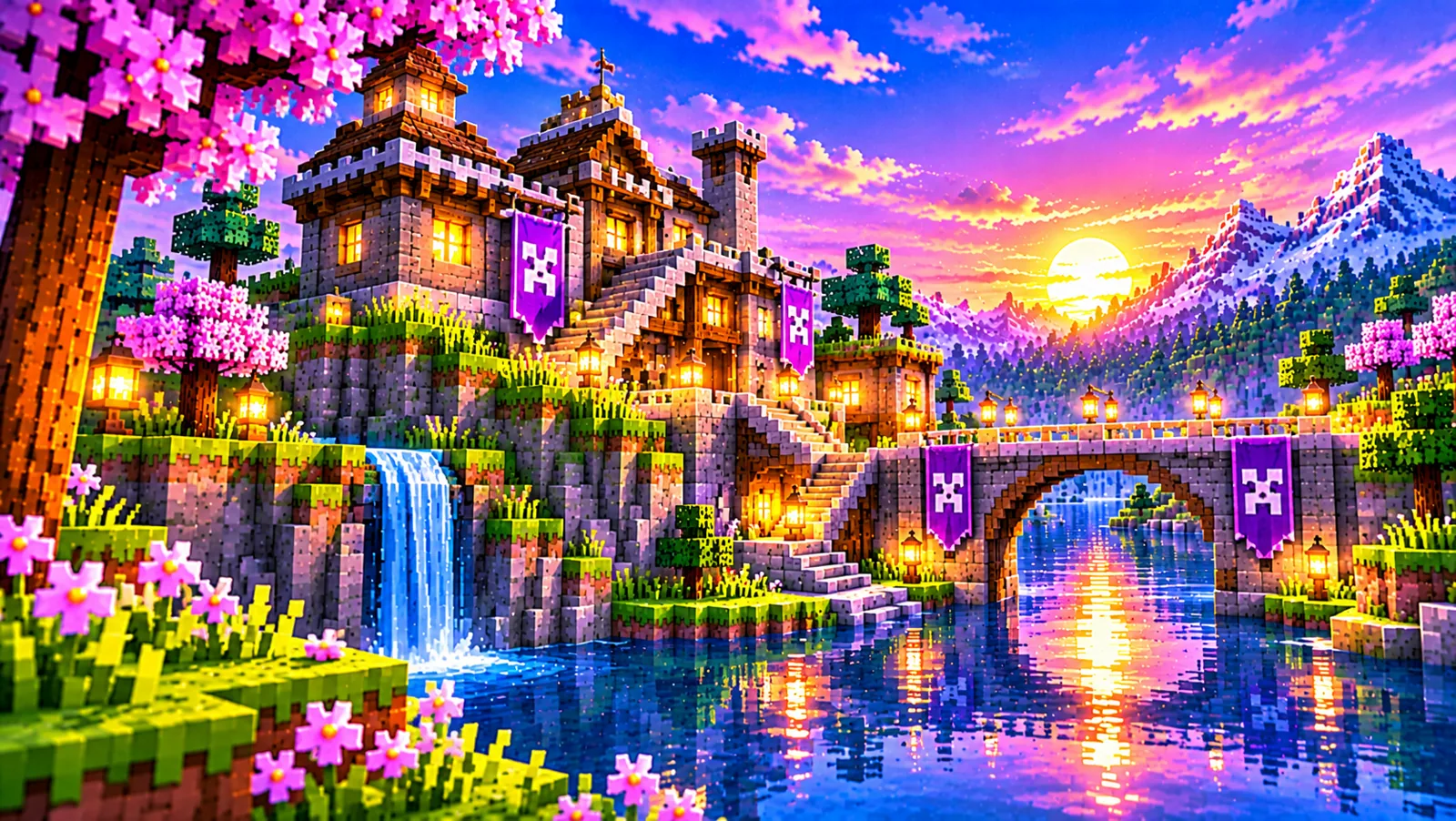
Warm colors bring depth and comfort to cottages, farms and riverside paths.
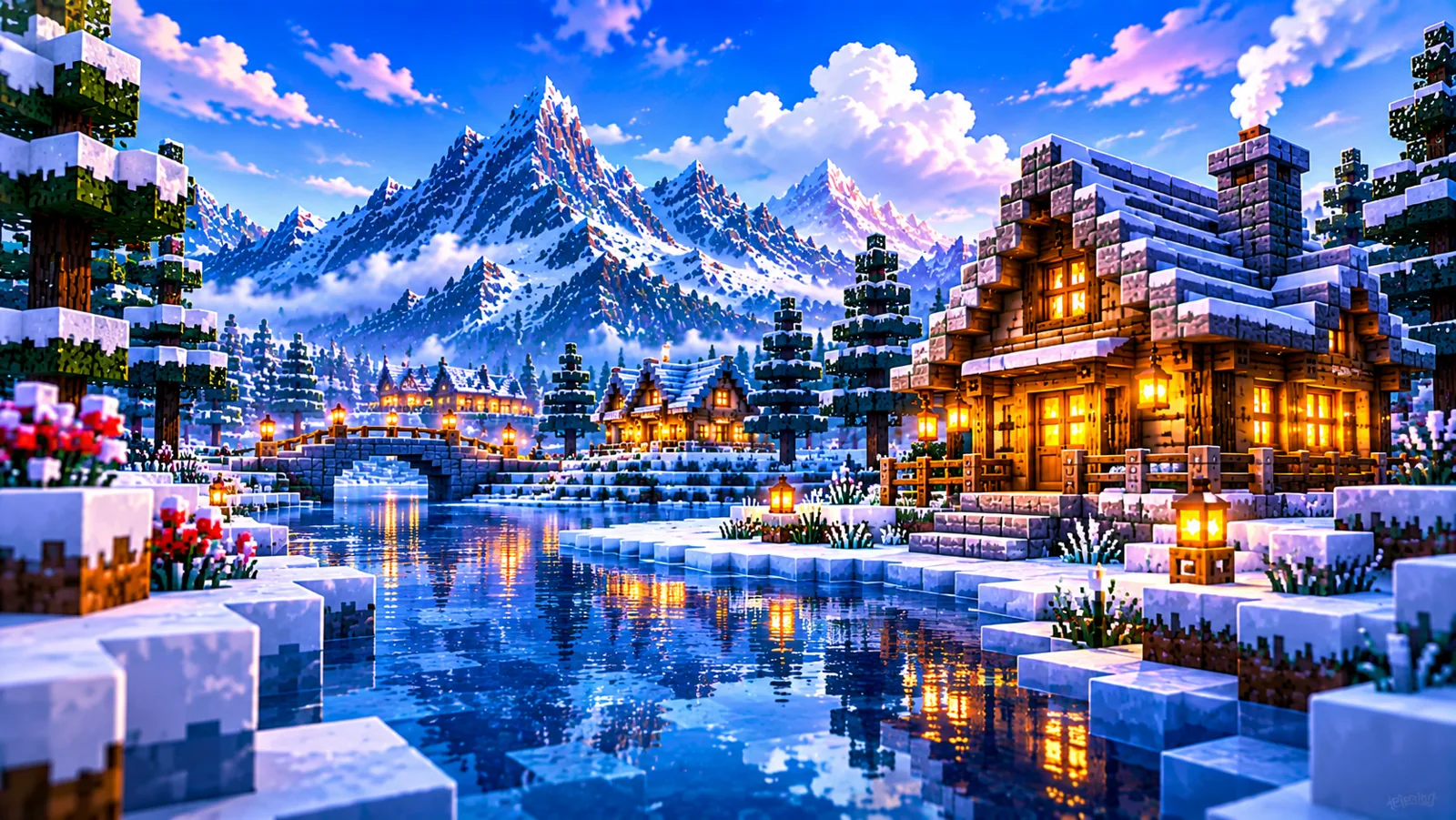
Cool skies and crisp highlights create a peaceful winter atmosphere.
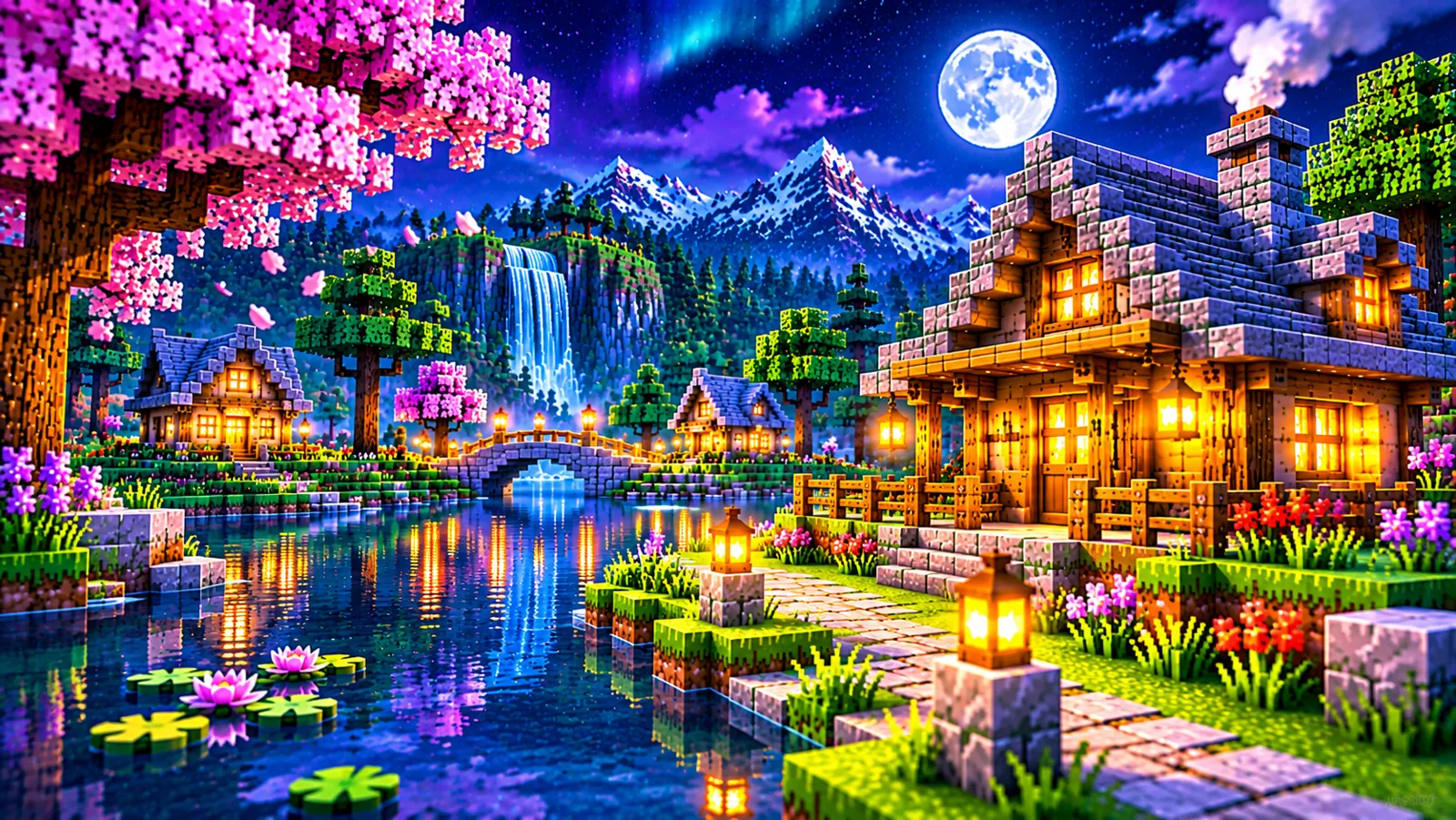
Contrasting lights make illuminated homes and dark forests feel distinct.
Find quick guidance before you download, install or customize your shader pack.
They are visual shader packs for Minecraft Java Edition that enhance lighting, atmosphere, shadows and other graphics effects.
Unbound is aimed at a more realistic visual style, while Reimagined focuses on a look inspired by the original Minecraft aesthetic.
Availability and licensing can vary by distribution or offering. Check the current release details before downloading.
Yes, you generally need a compatible shader loader for Minecraft Java Edition. Check current release guidance before choosing one.
Not necessarily. Results depend on your hardware, game version, loader and chosen settings. Start with lighter settings when unsure.
Use the download buttons on this page to request the current shader ZIP.
Explore Complementary Shaders, compare the two styles and discover an immersive new way to enjoy the landscapes you create.
↓ Explore Downloads