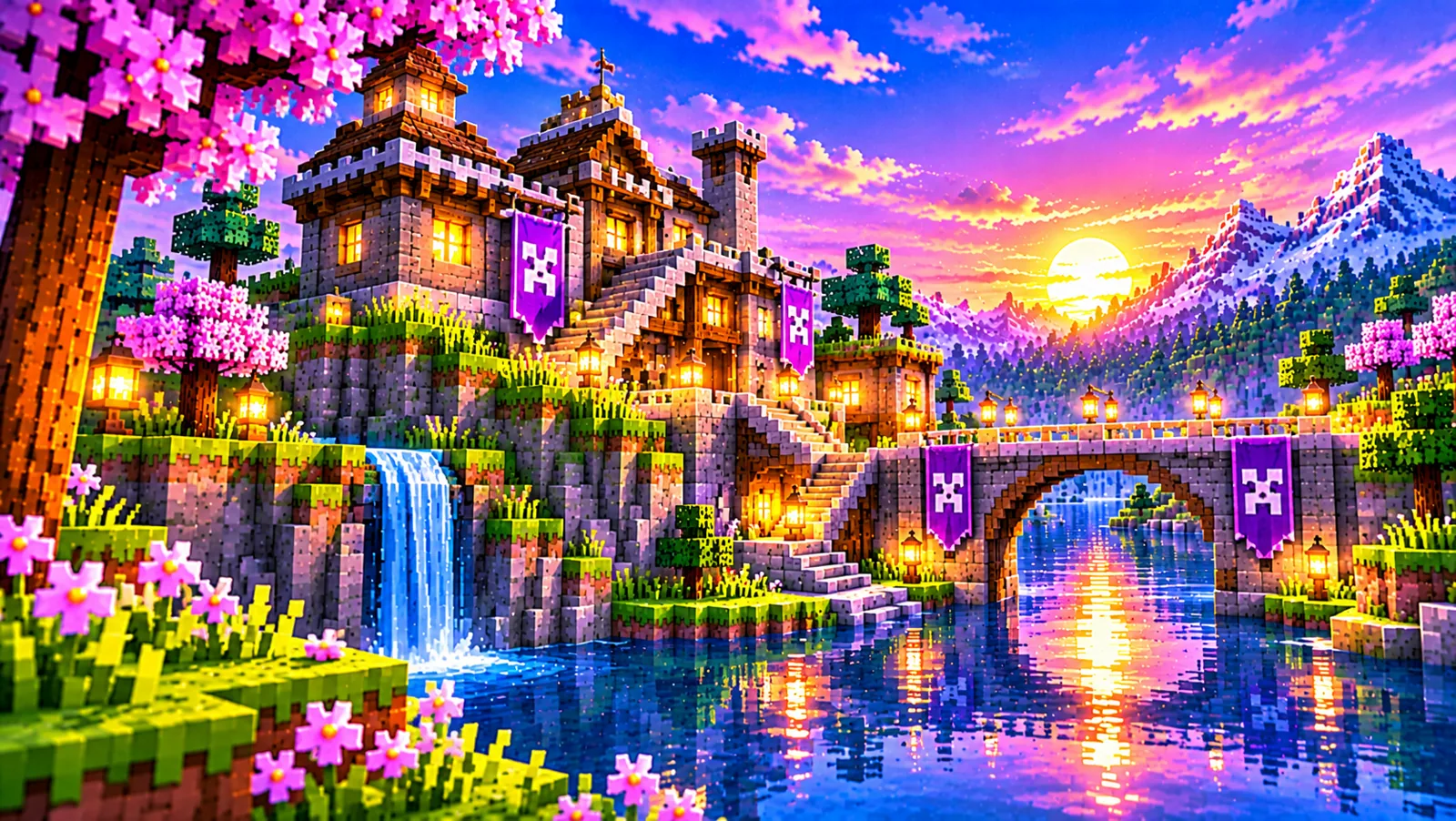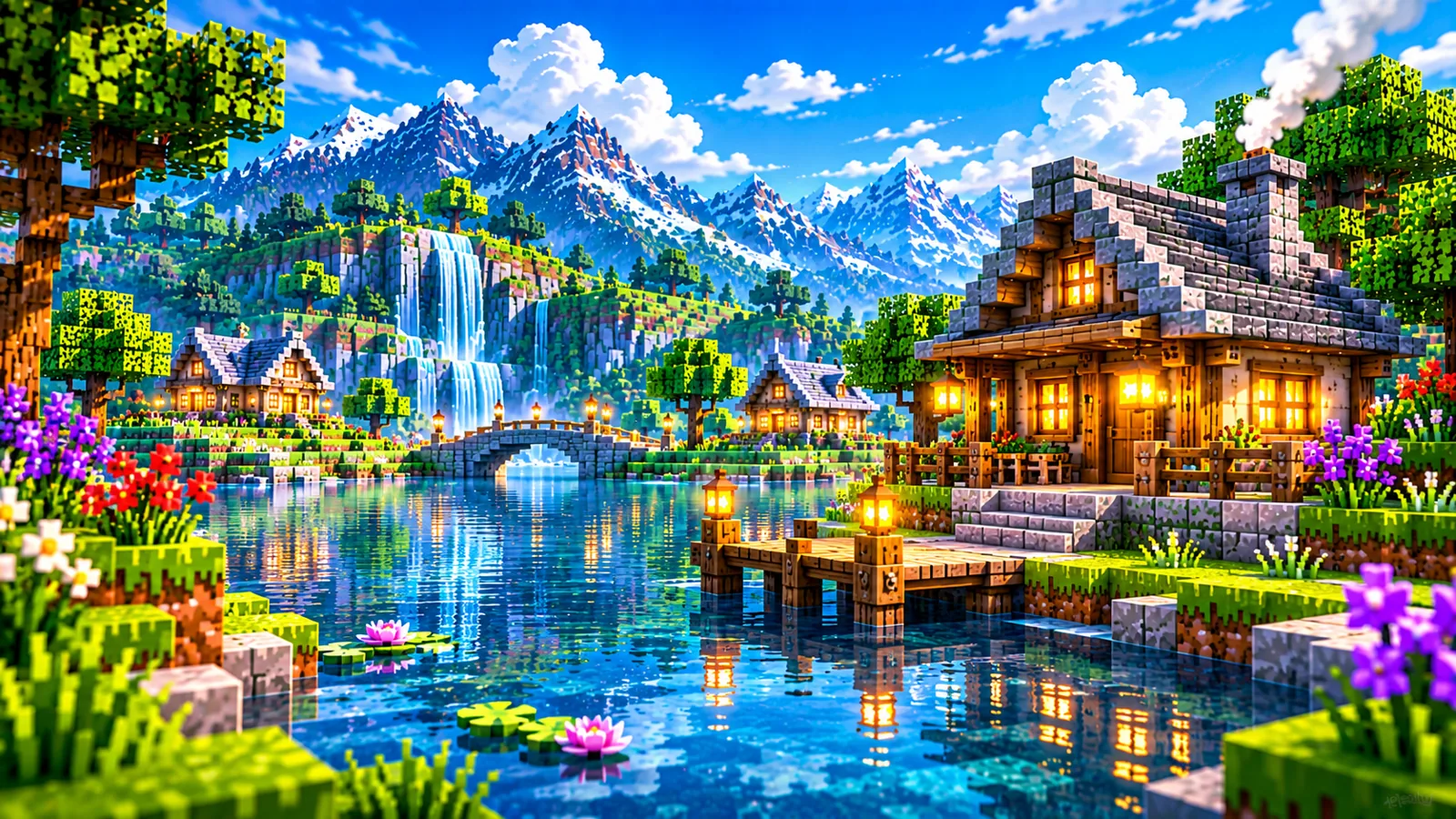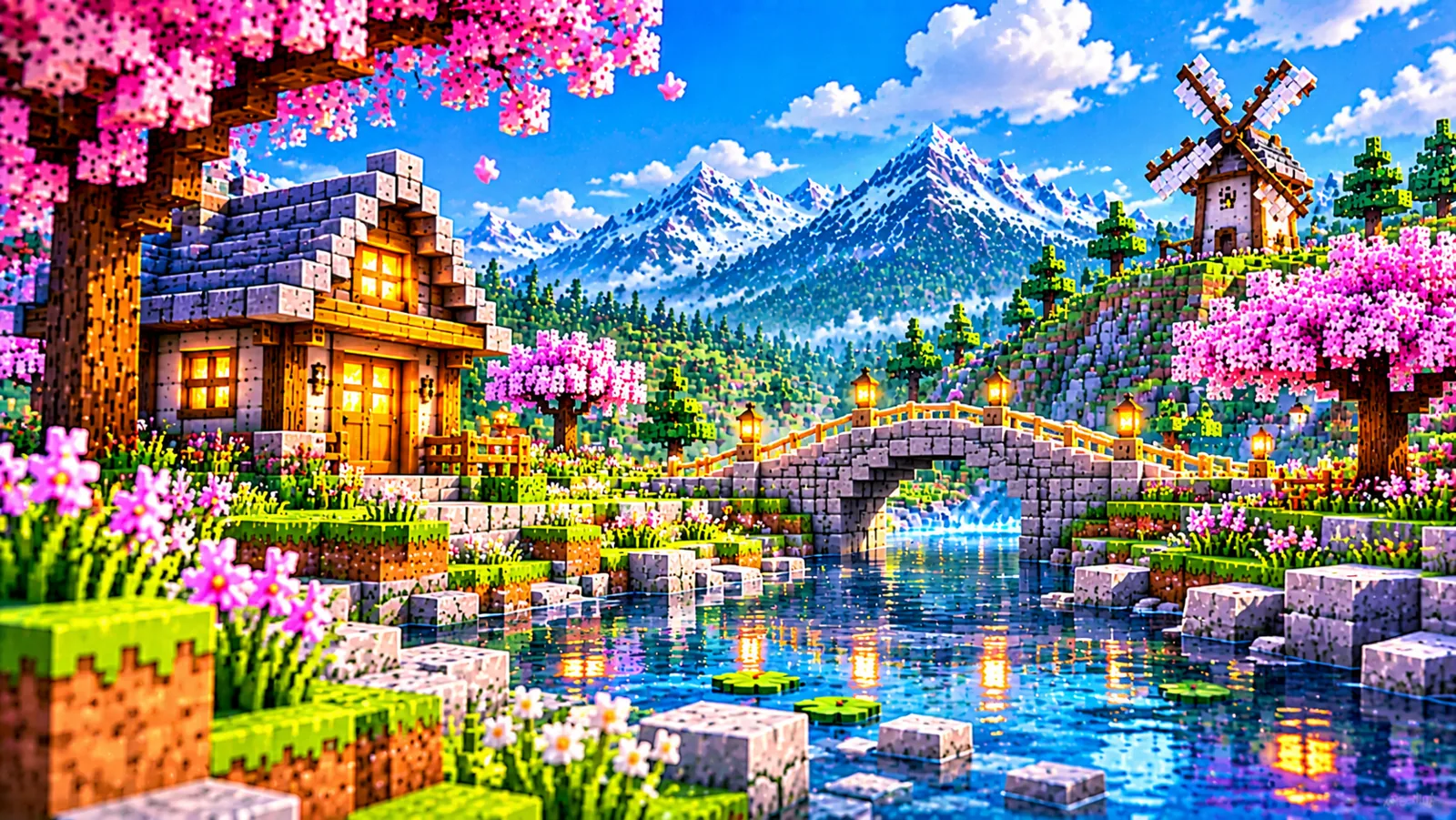
Complementary Shaders Download for Minecraft Java Edition

Complementary Shaders is one of the most popular shader packs for Minecraft Java Edition, and downloading it is simple once you know which file you actually need. The pack comes in two styles, Complementary Unbound and Complementary Reimagined, and each style is its own separate ZIP file. This guide explains how to download Complementary Shaders safely, how to choose between the two styles, and how to check that the file you received is the genuine, current release.
What you are downloading
Complementary Shaders is a shader pack: a ZIP archive of graphics code that a shader loader (Iris or OptiFine) runs inside Minecraft Java Edition. It does not change your worlds, blocks or saves, it changes how light, shadows, water, sky and atmosphere are drawn. The pack began as an edit of BSL Shaders and has since been rewritten and expanded into its own project, with custom effects for almost every block in the game.
The current release for both styles is r5.9.3, published on 15 September 2026. The files are small, roughly half a megabyte each:
| Style | Current file | Approx. size | Visual direction |
|---|---|---|---|
| Complementary Unbound | ComplementaryUnbound_r5.9.3.zip | ≈ 0.53 MB | Realistic, cinematic |
| Complementary Reimagined | ComplementaryReimagined_r5.9.3.zip | ≈ 0.53 MB | Vanilla-inspired, brighter |
If a download page offers you a file with a very different size, an executable installer from an unknown source, or a name that does not match this pattern, stop and re-check where you are. The genuine pack is a small ZIP, never an .exe.
Step 1: Choose Unbound or Reimagined
The two styles are alternative looks, not a better-and-worse ranking, and both can be customised afterwards with the same settings system. The short version:
- Unbound is designed for a more realistic experience, cinematic lighting, expressive skies, dramatic water and atmosphere.
- Reimagined reimagines Minecraft while preserving its unique visual elements, a cleaner, brighter look that stays close to the original game's character.
Undecided? Read the full Unbound vs Reimagined comparison or the shorter decision guide, which style should you choose? You can also download both ZIPs, they sit side by side in the shaderpacks folder and you switch between them in the game's shader menu.
Step 2: Download the ZIP
The download section on this website's homepage fetches the current release file for you at the moment you click:
- Go to the download section on the homepage.
- Choose the card for your style, Complementary Unbound or Complementary Reimagined.
- Click the download button. The site looks up the current release and starts the ZIP download directly; a status line under the button confirms the exact filename being saved.
- Save the file somewhere you can find it, your Downloads folder is fine for now.
Get the current release
The homepage download buttons always request the latest stable Complementary Shaders ZIP for the style you pick.
↓ Go to the download sectionThe pack is also published through its official project listings on Modrinth and CurseForge, and the developers offer an official installer that sets up the Iris loader and the pack together. Whichever route you use, the file you end up with should be the same ZIP described above. Our download information page explains exactly how downloads from this site work.
Step 3: Check the file before installing
Three quick checks catch almost every bad download:
- Filename: it should read ComplementaryUnbound_r5.9.3.zip or ComplementaryReimagined_r5.9.3.zip (the version number changes as new releases appear).
- Size: around 0.5 MB. A file of several megabytes, or a few kilobytes, is not the shader pack.
- Leave it zipped: do not extract it. Shader loaders read the pack directly from the ZIP. Our dedicated guide covers this in depth: what to check in the Complementary Shaders ZIP file.
What you need before the pack will run
A shader pack cannot run on its own. You also need:
- Minecraft Java Edition. The current release supports a wide range of versions, from 1.7.10 through 1.21.11 and the newer 26.1–26.3 line. There is no Bedrock edition of Complementary Shaders, see Complementary Shaders on Bedrock for why, and how to spot fake ports.
- A shader loader, Iris or OptiFine. Iris is the loader the official installer sets up, and the one most current guides assume.
- A graphics processor that can handle shaders. The pack's quality profiles run from Potato to Ultra, so modest hardware has a starting point, our system requirements guide explains the realistic minimums.
After downloading: install and enable
With the ZIP saved, installation takes a few minutes: install your loader, place the ZIP in the shaderpacks folder, and select the pack in the game's shader menu. The complete installation guide walks through every step, and where to put the ZIP file gives the exact folder locations for Windows, macOS and Linux.
The official installer: the other genuine route
Alongside the plain ZIP, the developers offer an official installer that sets up the Iris loader and the pack together. It is the right choice if you do not have a shader loader yet and would rather not install one separately. Two things are worth knowing before you use it. First, the installer needs a standalone Java runtime on your computer to run, if it refuses to start, that missing runtime is usually why. Second, it is a program you deliberately obtain from the project's official channels to perform an installation job; that is entirely different from a supposed "shader pack" that arrives as an executable from an unknown site. If you already run Iris or OptiFine, the plain ZIP route above is simpler, and either way you end up with the same pack file described in the table.
What appears next to your ZIP after first use
Once you have run the pack and changed any of its options, look inside the shaderpacks folder again: a small text file has appeared beside the ZIP, named after it, ComplementaryUnbound_r5.9.3.txt or ComplementaryReimagined_r5.9.3.txt. That file is where your settings are stored. Its presence is a useful confirmation that the pack actually loaded and saved your choices, and its name tells you exactly which release those choices belong to. This naming link also explains what happens when you download a newer release later: the new ZIP has a new filename, so it starts with a fresh settings file of its own rather than automatically inheriting your tuned options. If you want your settings to follow you across versions, updating without losing your settings explains how to carry them over deliberately.
Frequently asked questions
Is Complementary Shaders free to download?
The pack is distributed through its official project listings at no charge. Be wary of any site asking for payment to "unlock" the download, that is not how the developers distribute it.
Do I need both Unbound and Reimagined?
No. They are alternatives. Download the style you prefer, or keep both in the shaderpacks folder and switch in the menu, each keeps its own settings.
Why is the ZIP so small?
A shader pack is mostly text-based graphics code, not textures or models, so a file of roughly half a megabyte is normal for Complementary Shaders.
Should I unzip the file after downloading?
No. Leave the ZIP exactly as downloaded and place it in the shaderpacks folder. Extracting it is the most common cause of the pack not appearing in the shader list.
Next step: install Complementary Shaders, the complete guide.