How to Download Complementary Unbound
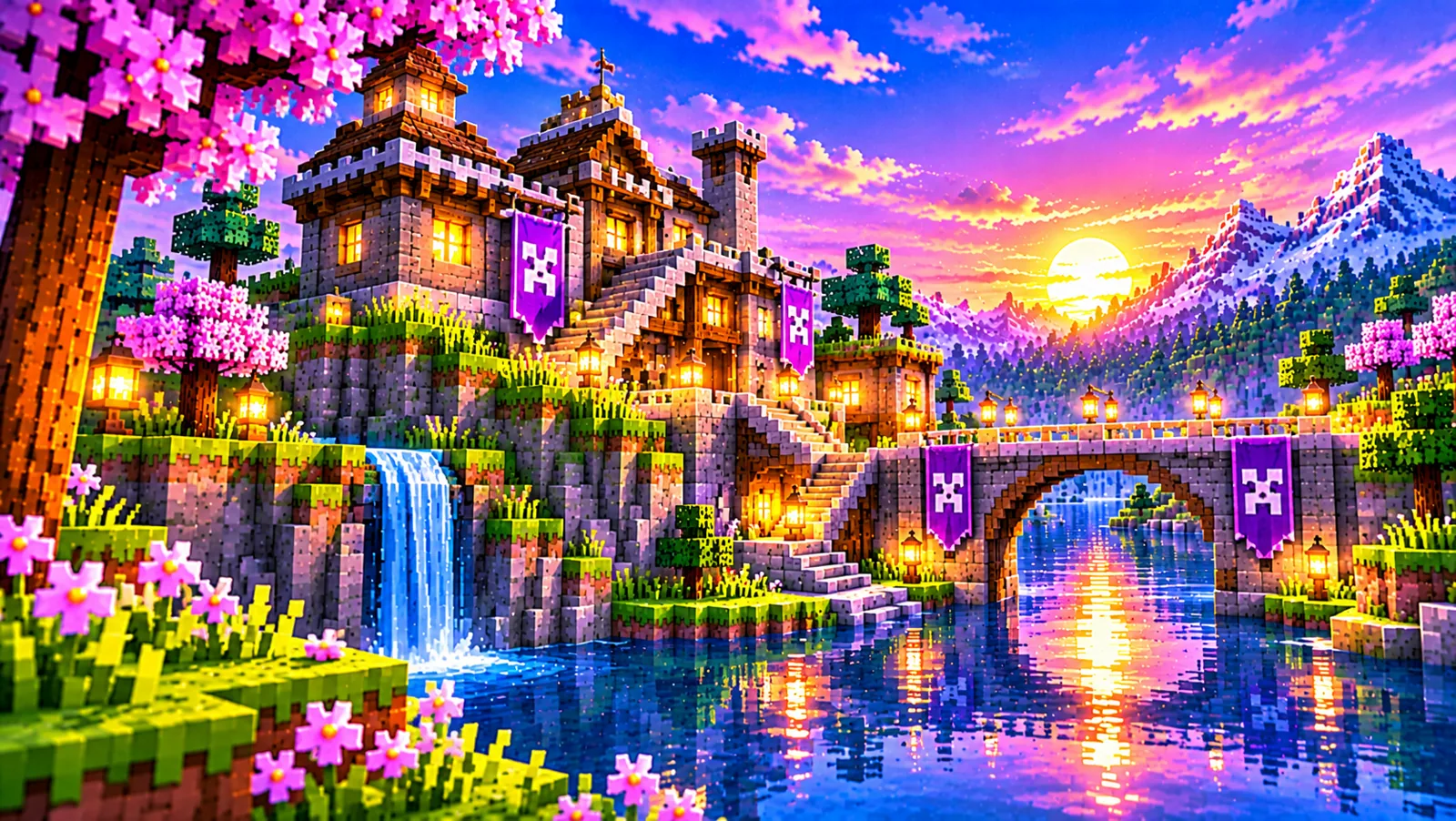
Complementary Unbound is the realistic half of the Complementary Shaders family: cinematic light, moody skies and expressive water, built for players who want Minecraft to feel more like a place and less like a diagram. This guide covers downloading Complementary Unbound specifically, the correct file, the current version, and the checks that confirm your download is genuine before you install it.
About the Unbound style
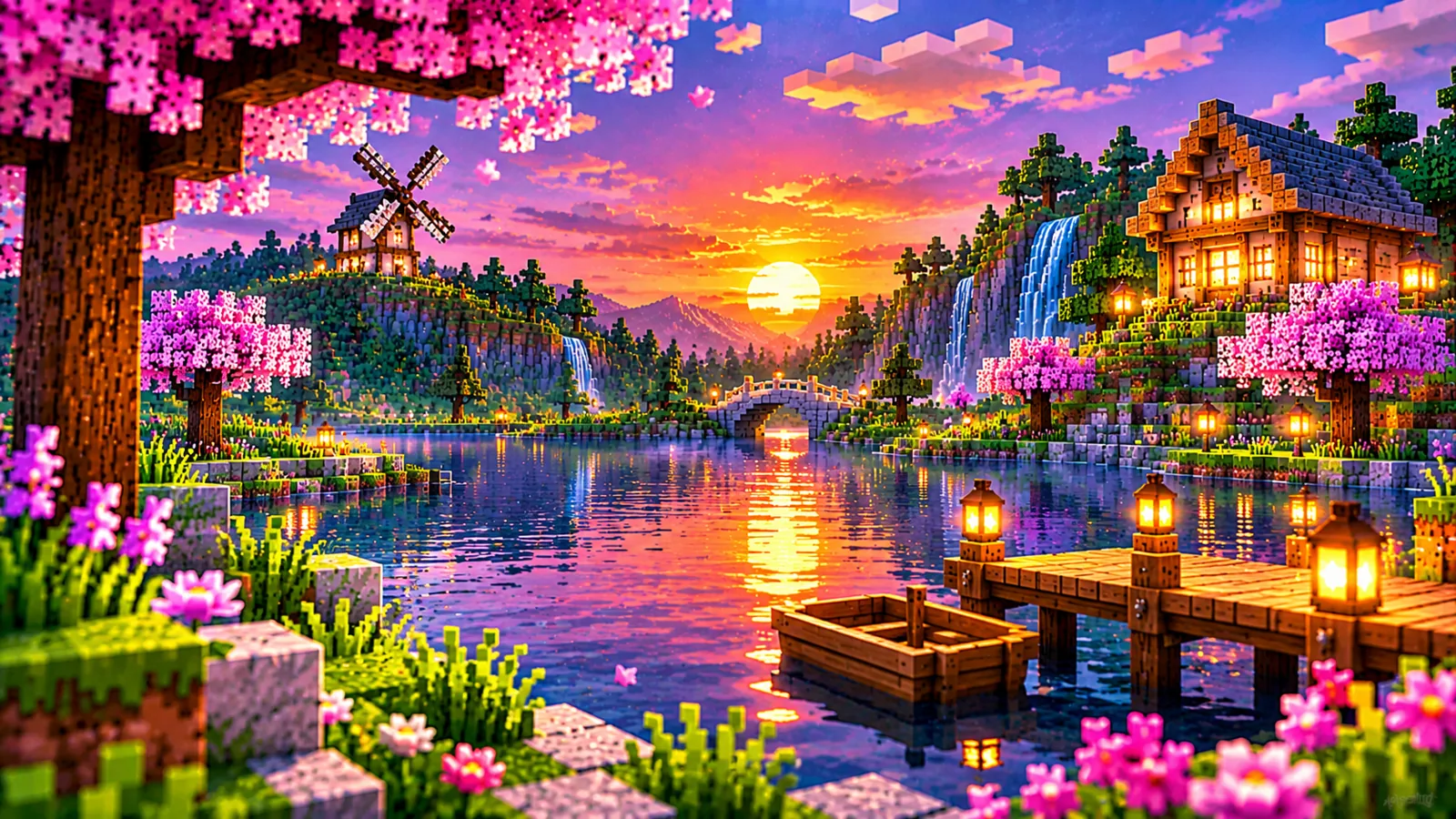
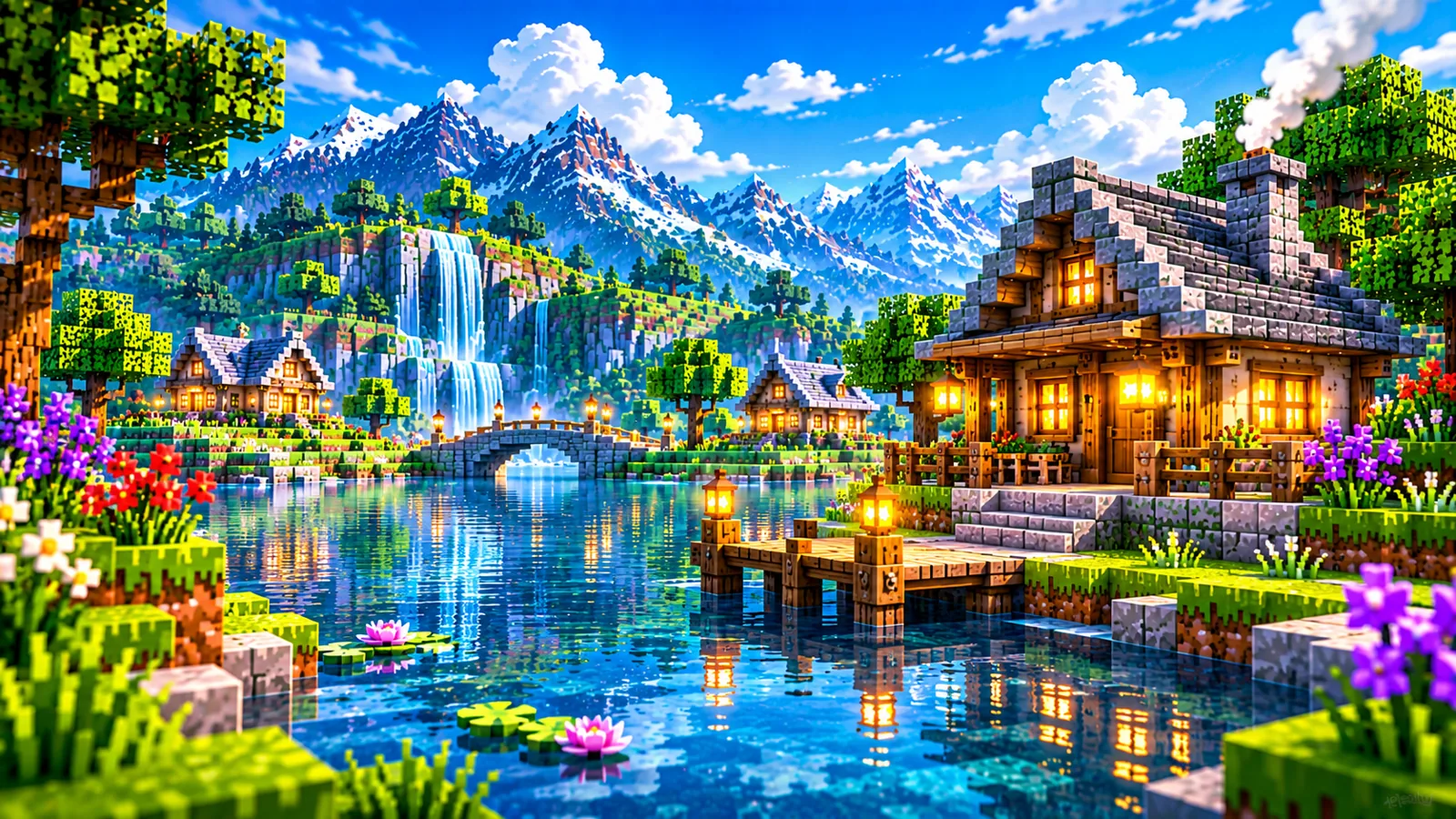
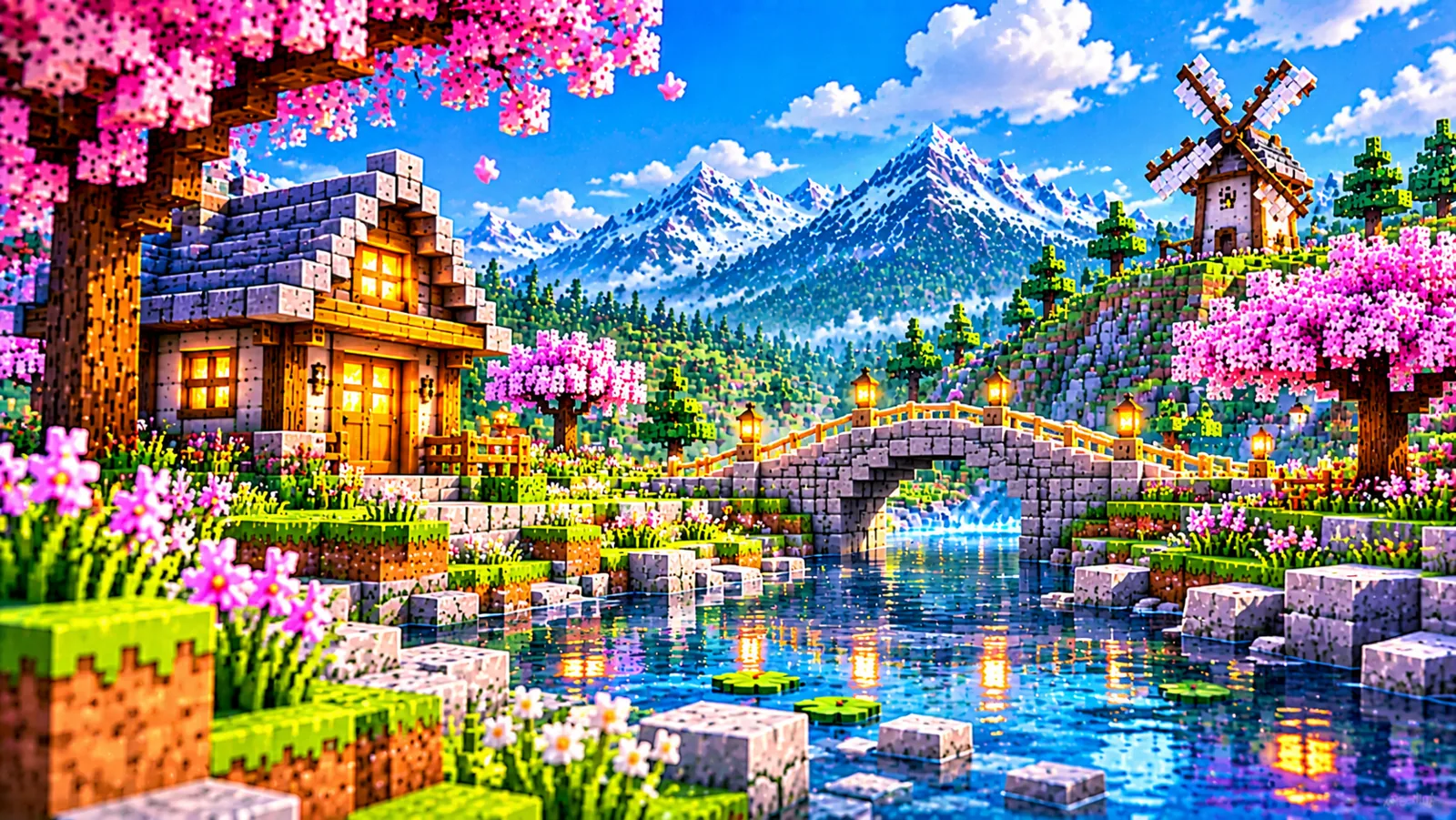
Unbound is one of the two default visual styles of Complementary Shaders. In the developers' own description, the Unbound style is designed for people looking for a more realistic experience. In practice that means softer, more directional sunlight, richer shadow depth, reflective water with a stronger sense of atmosphere, and skies that carry more mood, golden hours feel golden, and nights feel genuinely dark.
It is a complete alternative to the Reimagined style, not an upgrade to it. Everything can still be customised after download through the same settings system both styles share. If you are torn between the two, the full comparison and the Unbound features guide go deeper.
The current Unbound release
| Item | Detail |
|---|---|
| Latest version | r5.9.3 (released 15 September 2026) |
| Filename | ComplementaryUnbound_r5.9.3.zip |
| File size | ≈ 0.53 MB |
| Game | Minecraft Java Edition (1.7.10 – 1.21.11 and 26.1 – 26.3 for this release) |
| Loaders | Iris or OptiFine |
Version numbers matter when you troubleshoot: a guide written for r5.9.3 may not match an older file. The latest version and release history page tracks how the numbering works.
How to download Complementary Unbound
- Open the download section on the homepage.
- Find the Complementary Unbound card, the one describing the realistic and immersive style.
- Click Download Unbound ZIP. The button looks up the current Unbound release and starts the download; the status line names the exact file being saved.
- Keep the ZIP in your Downloads folder until you install it. Do not extract it.
Download Unbound
The Unbound card on the homepage always fetches the current Complementary Unbound release ZIP.
↓ Download from the homepageUnbound is also published on the project's official Modrinth and CurseForge listings, and through the developers' official installer. Whichever source you use, the file should match the table above, our download information page explains how this site's buttons work.
Checks before you install
- Right style: the filename starts with ComplementaryUnbound. If it says Reimagined, you picked the other card, an easy mix-up, and harmless, but install the one you meant to.
- Right shape: a single ZIP of about half a megabyte. Anything asking to be "installed" as a program is not the shader pack.
- Still zipped: loaders read the pack from the ZIP itself. See ZIP file checks for the full routine.
Installing Unbound after the download
Installation is identical for both styles: install Iris or OptiFine, drop the ZIP into the shaderpacks folder, and select Complementary Unbound in the shader menu. Follow the complete installation guide, or the Iris-specific walkthrough in installing with Iris. Because Unbound leans into heavier atmosphere effects, new users on modest hardware should start from a mid or low quality profile and tune upward, the best settings guide gives a sensible starting point.
Who Unbound suits, and who should pick Reimagined instead
Unbound rewards players who treat the game world as a place to be in: long building sessions where light falling across a structure matters, exploration where weather and time of day set the mood, and screenshots you intend to keep. If that sounds like you, the realistic direction will feel like the point of installing shaders at all. Choose Reimagined instead if you want the game to remain instantly readable as classic Minecraft at a glance, bright, clean and close to the original art direction, with shaders improving the scene rather than restyling it. There is no penalty for changing your mind: each ZIP is only about half a megabyte, both can live in the shaderpacks folder at once, and switching is a menu selection rather than a reinstall. Many players keep Unbound for scenic worlds and Reimagined for everyday survival, which is a perfectly sensible way to use the two styles.
Choosing a starting quality profile
Both styles share the same quality profiles, which run from Potato at the lightest end to Ultra at the heaviest. A profile is a preset bundle of the pack's options, so choosing one is not a commitment, every individual setting can still be adjusted afterwards. For Unbound specifically, a sensible first session looks like this: pick a profile in the middle of the range, load a world you know well, and look at the scenes you actually play in, daylight building, sunset, night, and time near water, before touching anything. Then move one profile step at a time rather than jumping from the bottom to the top of the range, so you can see what each step changes and stop at the point where the look stops improving for you. Because your choices are saved in a settings file named after the ZIP, the profile you settle on is remembered for this release; you will not need to repeat the exercise unless you deliberately reset it.
The installer route, and staying current
If you do not already have a shader loader, the developers' official installer can set up Unbound together with the Iris loader in one pass. It needs a standalone Java runtime on your computer to run, so install that first if the installer will not start. Players who already run Iris or OptiFine gain nothing extra from it, the plain ZIP on this page is the whole pack. Staying current afterwards is mostly a matter of awareness: Unbound and Reimagined are released together under matching version numbers, and r5.9.3 is the current release of both. When a newer release appears, downloading it gives you a second ZIP rather than overwriting the first, and because settings are stored in a text file named after each ZIP, the new file begins from default settings until you tune it or carry your old settings across using the update guide. Keeping the older ZIP in the folder costs almost nothing and gives you an instant fallback if the new release behaves unexpectedly on your system.
Frequently asked questions
Is Unbound heavier to run than Reimagined?
Both styles share the same engine and profile range (Potato to Ultra), so either can be tuned up or down. Unbound's look leans on atmosphere and lighting effects, which is why starting from a balanced profile and adjusting is good advice for both styles.
Can I have Unbound and Reimagined installed together?
Yes. They are separate ZIPs and separate entries in the shader list. See how to switch between styles.
Does Unbound work on Bedrock?
No. Complementary Shaders is for Minecraft Java Edition only. Files claiming to be a Bedrock port are not the genuine pack.