

Settings & Customization
Best Complementary Shaders Settings for Minecraft
A practical starting configuration for Complementary Shaders: the preset to begin with, then the individual settings worth changing first and why.
Read the guide →Lighting, shadows, water, clouds and presets explained, tune Complementary Shaders for the look you want.
A practical starting configuration for Complementary Shaders: the preset to begin with, then the individual settings worth changing first and why.
Read the guide →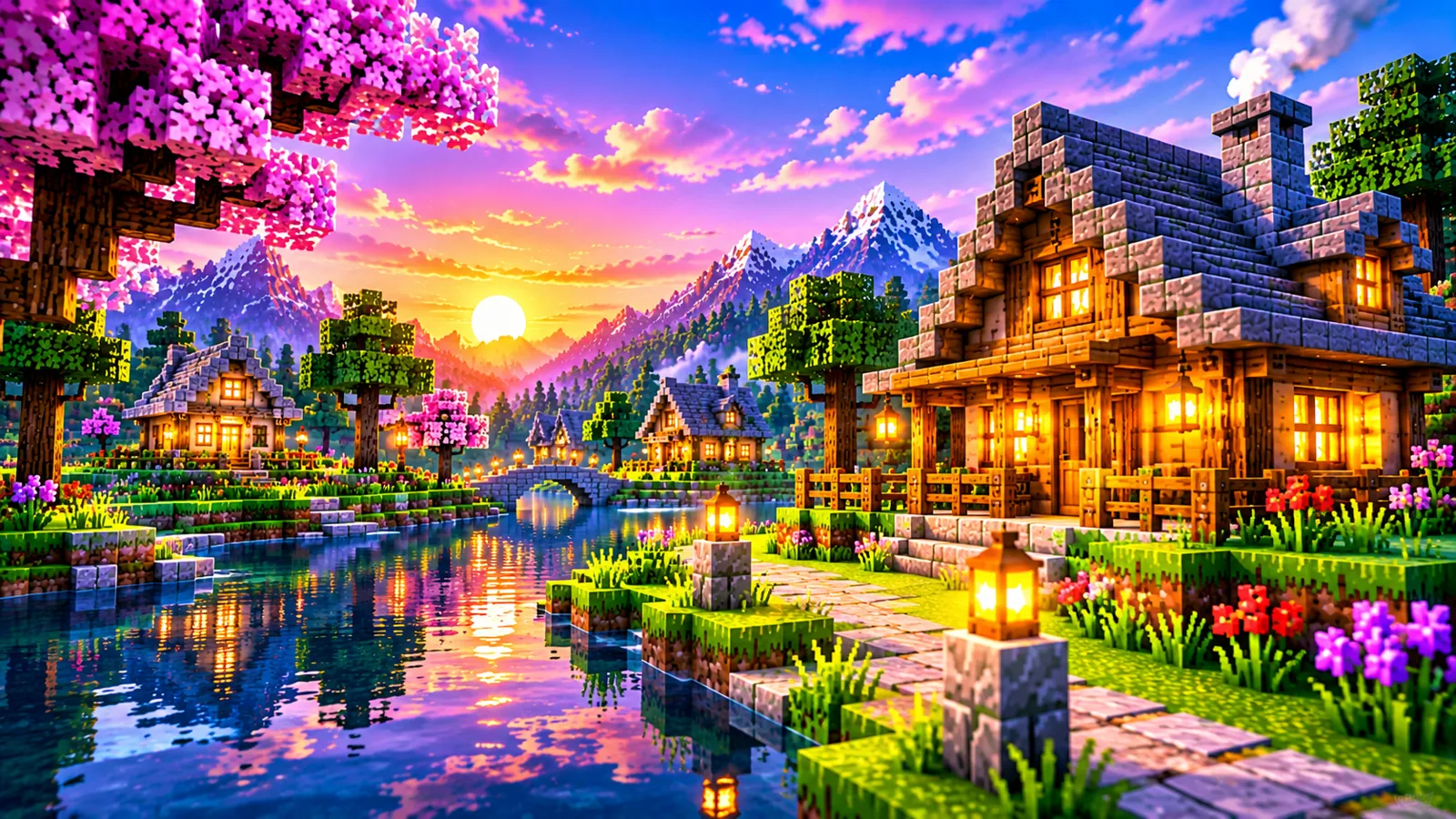
Shadow resolution, shadow distance and lighting options explained: what each one changes on screen and what it costs in performance.
Read the guide →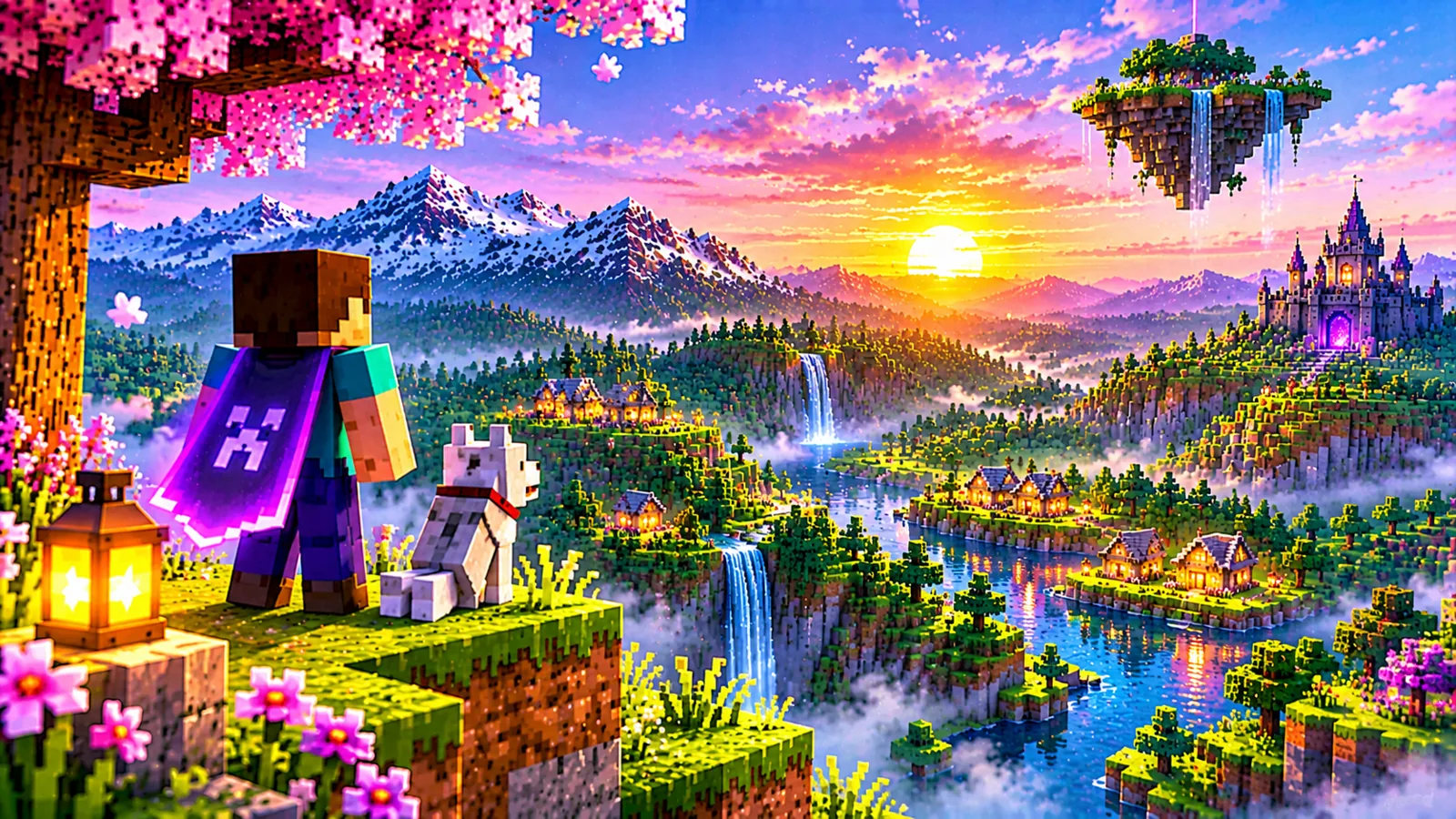
Water and reflection settings in Complementary Shaders: how to get believable lakes and rivers without paying for effects you cannot see.
Read the guide →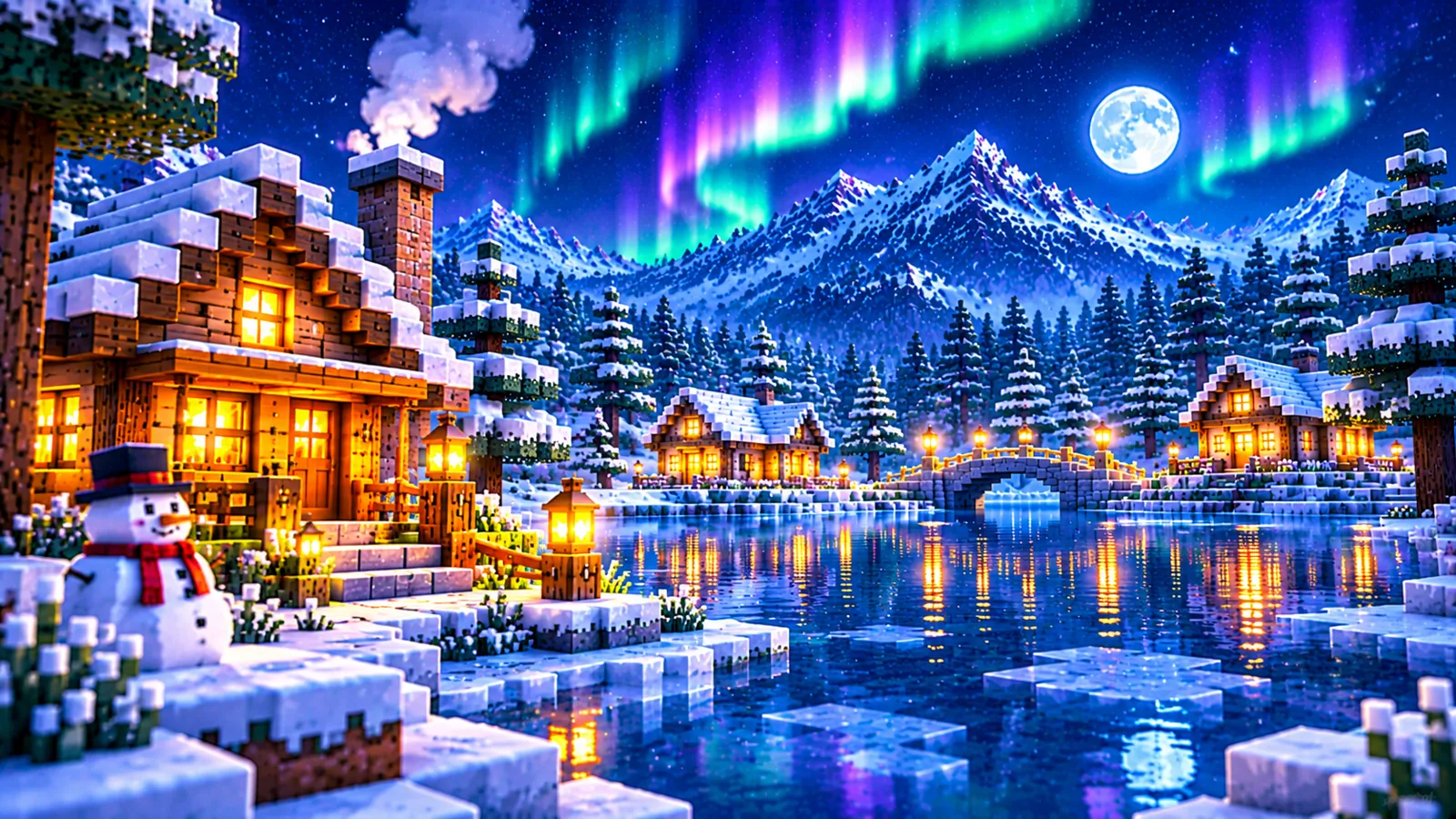
Cloud style, fog and atmosphere options in Complementary Shaders explained, with combinations for clear days, moody worlds and screenshots.
Read the guide →
From Potato to Ultra: what the Complementary Shaders profiles actually change, and how to use a preset as a starting point instead of a final answer.
Read the guide →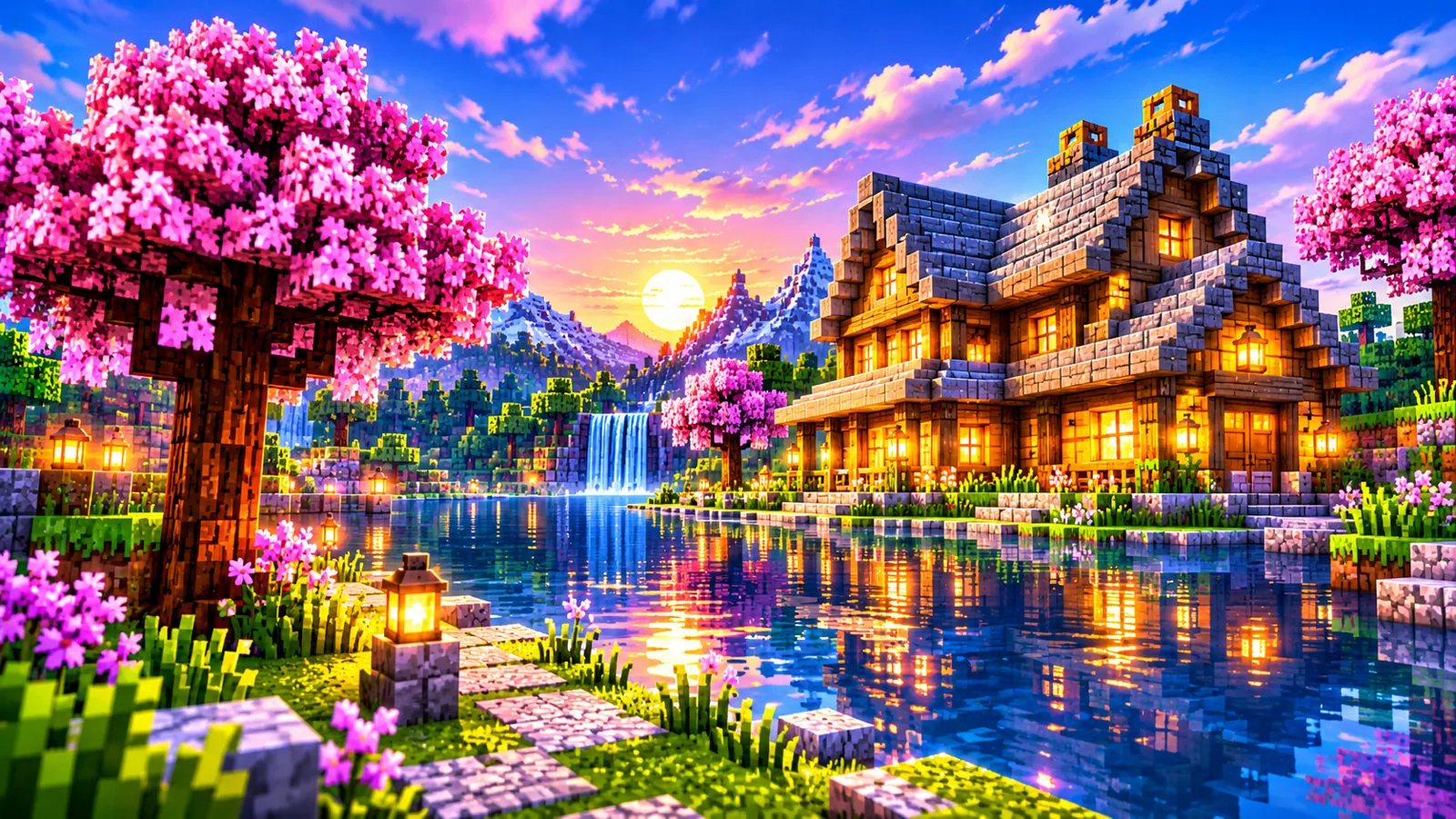
Different play styles want different light. Settings combinations for builders who need clarity and explorers who want atmosphere.
Read the guide →