Best Water and Reflection Settings in Complementary Shaders
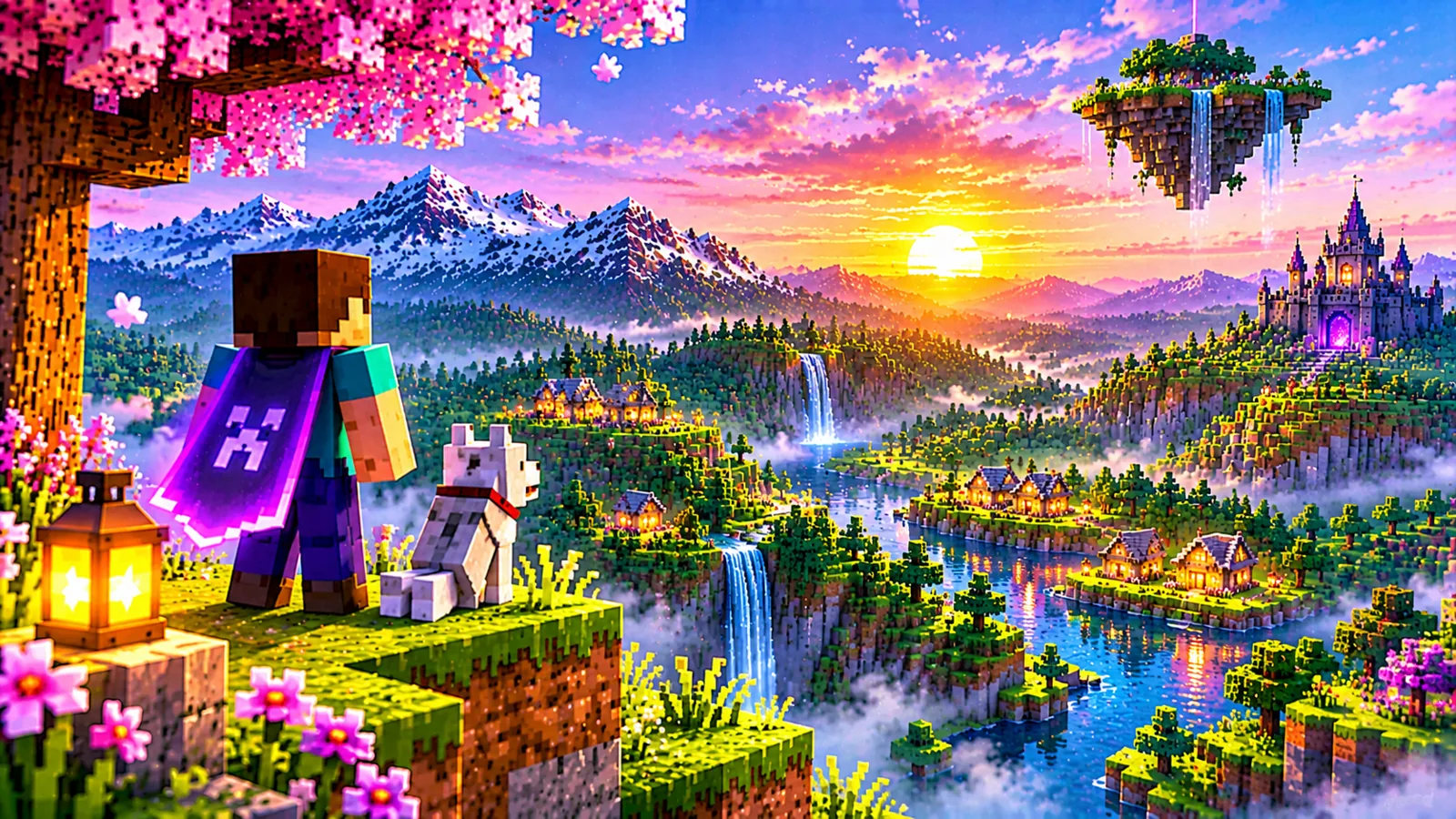
Water is where a shader pack proves itself in the first ten seconds: stand on a shore, and either the lake feels alive or it does not. Complementary Shaders gives you meaningful control over how its water looks, reflection quality, surface character, colour and underwater rendering. This guide explains the water and reflection settings, what each costs, and combinations for realistic, inviting and fast water.
What the water settings control
- Reflections. The pack renders reflections of sky, terrain and structures on the water surface. Reflection quality governs how complete and sharp that reflected scene is, and it is the expensive part, because the world is effectively drawn again, mirrored.
- Surface waves and normals. The ripple pattern that breaks reflections up into living water rather than a perfect mirror. More detail reads as texture and movement; less reads as calm glass.
- Water colour and transparency. How much of the water's tint comes from the pack's grading versus the biome's own colour, and how clearly you can see into shallow water.
- Underwater rendering. Fog density, colour shift and light behaviour while submerged, the difference between dipping your head under and changing worlds.
The reflection cost, honestly
Reflections are the water setting to budget for. Full, sharp reflections at high render distances ask the GPU to do substantial extra work every frame. The practical levers, in order:
- Lower reflection quality one step, the visual difference at play distance is smaller than the performance difference.
- Reduce render distance, fewer chunks reflected means less reflected work (see render distance and performance).
- Accept calmer water: simpler surface detail makes lower-quality reflections less noticeable, because there is less fine detail for the reflection to lose.
Combinations by taste
| Look | Direction |
|---|---|
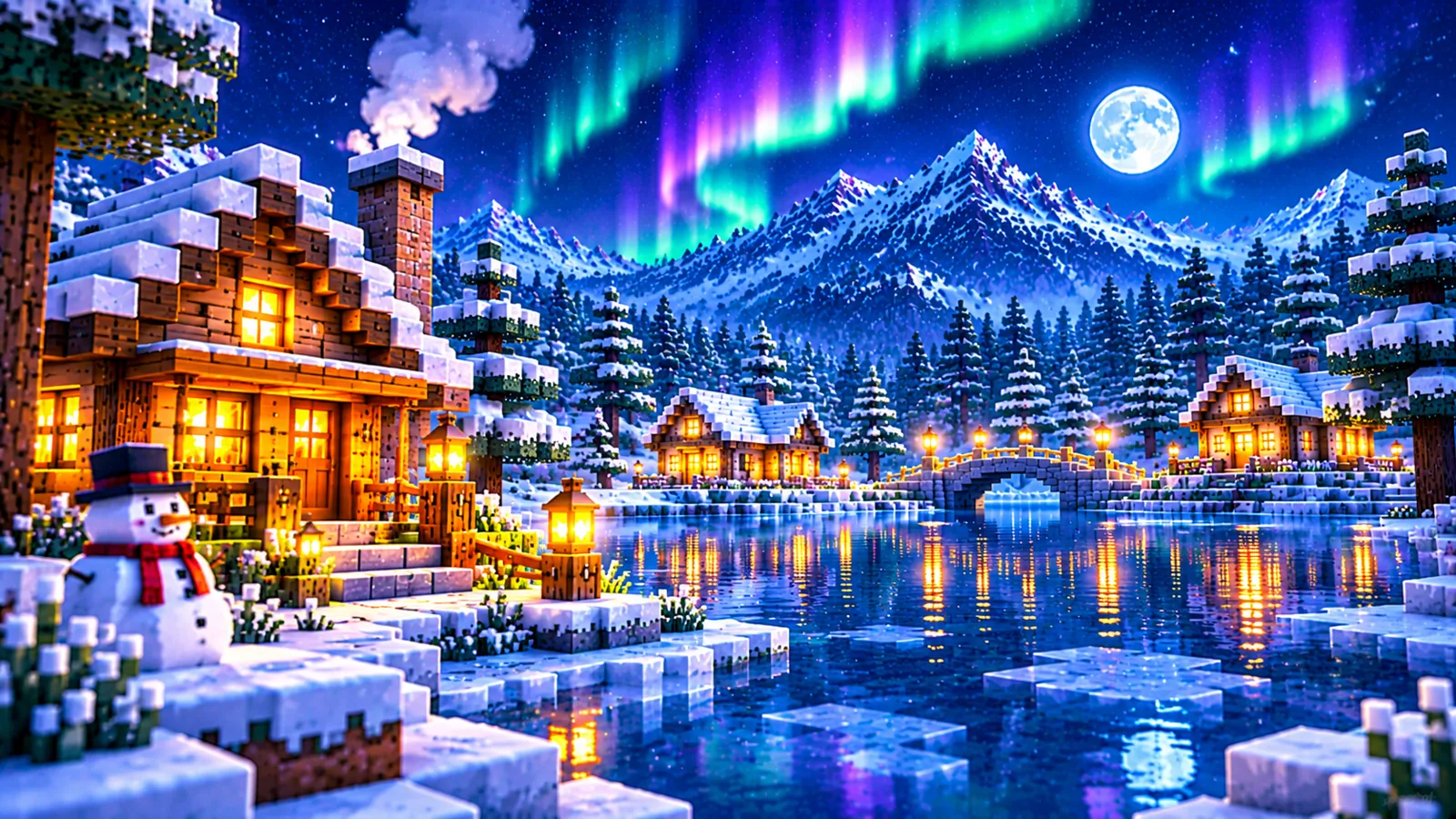
| Realistic lakes (Unbound) | Reflections high, moderate waves, natural colour, shores feel weighted and real |
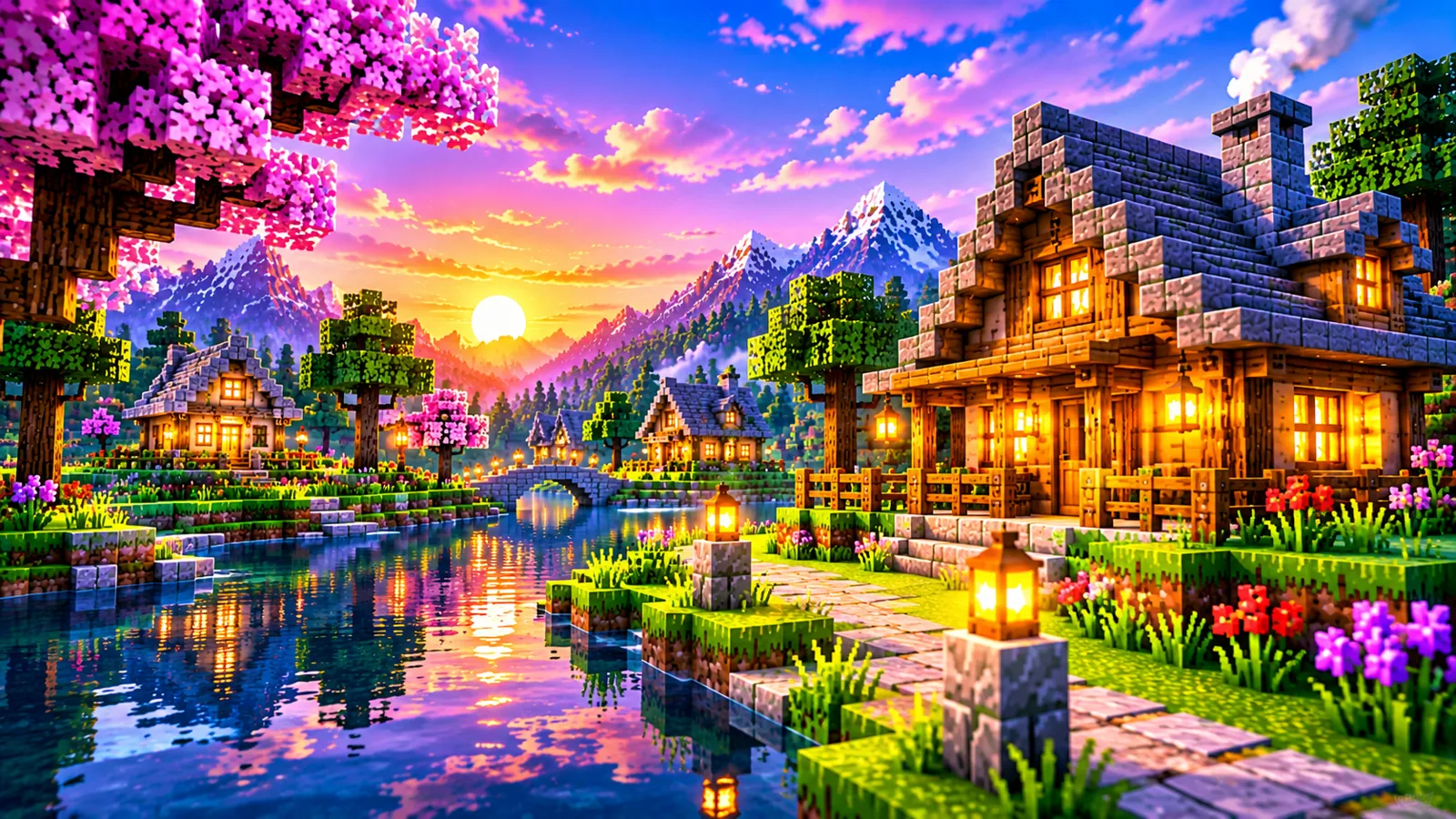
| Bright inviting water (Reimagined) | Reflections on at default quality, clearer colour, gentle waves, the dock-and-swim look |
| Tropical shallows | Higher transparency, lighter colour, reflections moderate, sand and coral stay visible |
| Performance water | Reflections low or simplified, waves simple, still far beyond vanilla's flat surface |
Underwater settings
Do not neglect the view from below. If you explore oceans, build underwater or use conduits, check the underwater fog and colour behaviour: too dense and exploration becomes guesswork; too clear and the ocean loses its depth. Test by diving at your favourite reef or monument and adjusting until silhouettes read at the distance you actually play at. Kelp forests and ocean monuments are excellent test scenes because they layer near and far detail.
When water looks wrong
- Mirror-flat, dead water: reflections may be off or at their lowest setting, or a conflicting setting in the loader has simplified rendering. See broken lighting, shadows and reflections.
- Reflections that shimmer aggressively: wave detail too high for the reflection quality, balance the two, or raise reflection quality if your GPU allows.
- Water the wrong colour entirely: check for resource packs that recolour water, and confirm you are judging the pack in the biome you tuned for, biome tints still apply.
What reflections can and cannot show
Complementary's water reflections are screen-space reflections: the reflected image is built from what is already visible on your screen. The technique is efficient and looks excellent in the common cases, but it has edges worth knowing about, because several "water looks wrong" reports are really this limit being mistaken for a bug.
- Objects off-screen cannot reflect. A tower behind you will not appear in the lake in front of you, however high the quality setting. Turn to face it, and its reflection can appear.
- Reflections fade where the screen holds no data. Near the edges of the frame and at shallow viewing angles, the reflected view would need information the screen does not contain, which is why looking straight down at water shows far less reflection than looking across it.
- Occluded objects cannot reflect. If a hill hides a structure from your camera, the water cannot know about it either.
None of this is fixed by raising quality: quality sharpens what the technique can produce; it cannot extend what the technique can see. Judge reflection settings standing on a shore looking along the water, the geometry the technique serves best, rather than staring down from a tower.
Tuning water scene by scene
"Water" in Minecraft is at least three different subjects, and a configuration that flatters one can underserve another.
- Open ocean. Long sight-lines and big sky: reflections and wave detail both show at full strength, and this is the scene where high reflection quality earns its cost. It is also where underwater fog matters most, because ocean exploration is half submerged, a monument dive is the honest test of both.
- Rivers and lakes inland. Shorter views, with banks and trees crowding the frame. Reflections matter, but colour and transparency decide whether a river feels alive; moderate reflection quality loses little here, and the savings are better spent on the shadows the trees cast.
- Small decorative water, ponds, fountains, farm channels. Tiny surfaces read mostly as colour and sparkle. Wave detail and transparency dominate; reflections are nearly irrelevant at this scale, which makes decorative-heavy bases a good place to save performance.
The practical method: identify which scene dominates your world, most players over-invest in ocean settings for a base that sits on a river, and tune for that scene first, checking the others only to confirm nothing looks broken.
Time of day is the final variable. Reflections are only as bright as what they mirror, so a setting that looks rich at noon can look subdued at dusk, when the sky darkens and lit windows and torches along the shore become the interesting content. If your play is mostly evening sessions, judge your water at the hour you actually sail or fish, not under the midday sun.
Frequently asked questions
Can I turn reflections off completely?
The settings let you minimise them, which is the right move for very weak hardware. Even simplified shader water keeps waves and better colour than vanilla.
Why do reflections cost more than shadows?
They do not always, but reflections re-render the scene from a mirrored viewpoint, similar in spirit to shadow mapping's second render. Scenes with much visible water and long sight-lines make reflections the heavier of the two; forests reverse the ranking.
Do the two styles need different water settings?
The controls are the same; the starting grades differ. Unbound starts moodier and more reflective, Reimagined brighter and clearer. Tune from wherever your style starts.