Complementary Shaders Clouds, Fog and Atmosphere Settings
The sky is half of every outdoor scene, and Complementary Shaders treats it that way: clouds with character, fog that gives terrain depth, and atmospheric grading that ties a landscape together. These settings are also where the two styles disagree most, Unbound reaches for cinema, Reimagined for clarity. This guide explains the clouds, fog and atmosphere settings and how to combine them for clear days, moody worlds and screenshots.
Cloud settings
Complementary replaces vanilla's flat drifting rectangles with a modelled sky. The controls that matter:
- Cloud style/quality. How volumetric and detailed the cloud layer is. Richer clouds catch light at sunrise and sunset beautifully, and cost real performance, since the sky is rendered with depth. This is one of the first settings to trim on a struggling PC.
- Cloud coverage and height character. How much sky the clouds claim and how they sit in the world. Sparser coverage suits desert and plains clarity; fuller coverage suits temperate, moody terrain.
Judge cloud changes at sunrise or sunset, standing somewhere with a long view. At noon under a flat sky, almost any setting looks acceptable; golden hour is where cloud quality earns its cost.
Fog settings
Fog in a shader pack does two jobs: it hides the edge of the rendered world (a practical necessity), and it creates aerial perspective, the softening and lightening of distant terrain that makes landscapes feel deep.
- Fog density. Denser fog means nearer, moodier horizons and hidden chunk borders, at the price of shorter effective views. Sparser fog shows off high render distances.
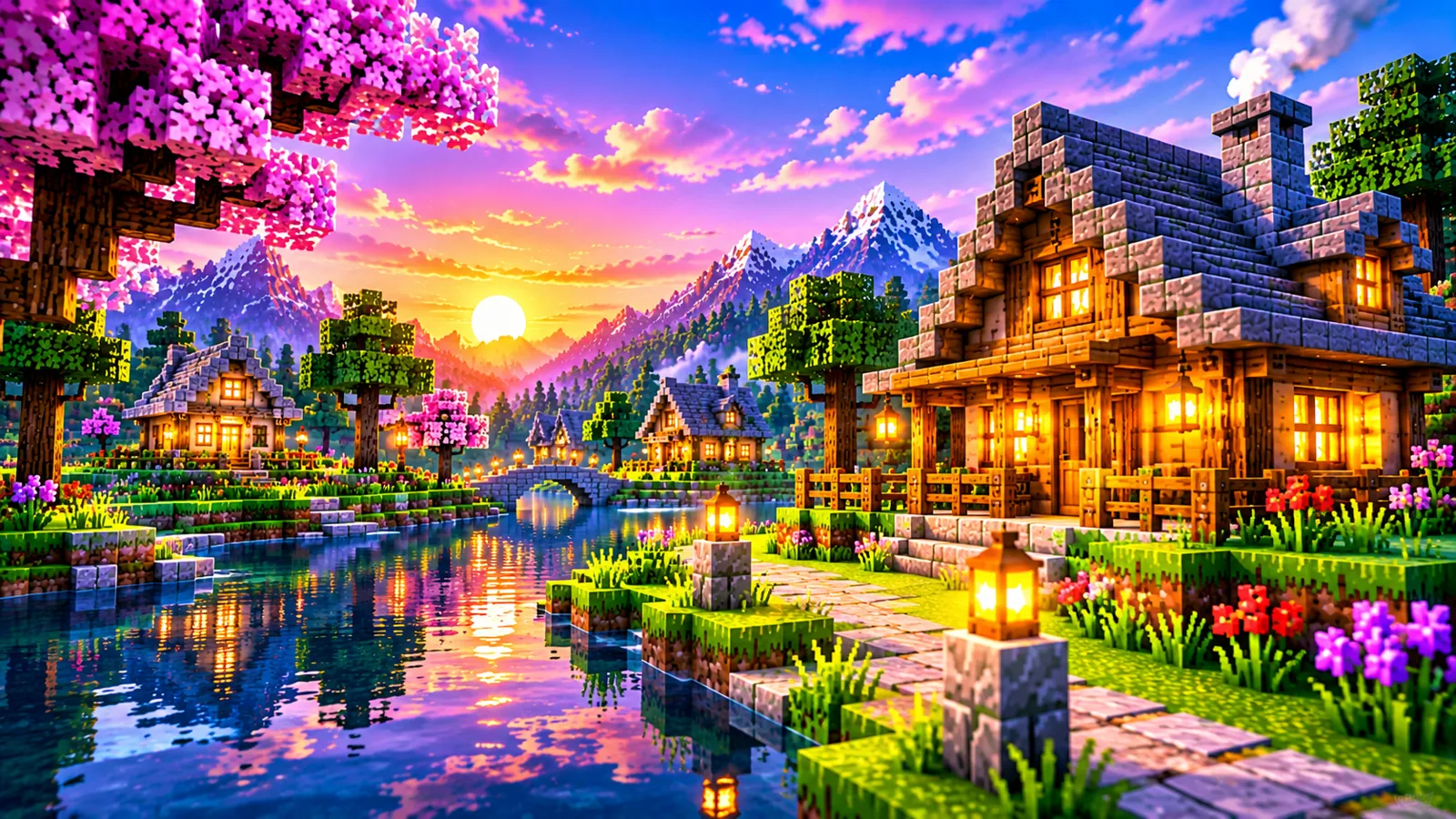
- Fog colour behaviour. How the fog takes on the sky's colour through the day. At sunset, warm fog is what makes a valley feel golden rather than merely lit.
Fog and render distance are partners: if you play at a short render distance, slightly denser fog disguises the cutoff elegantly. If you pay for a long render distance, lighten the fog so you can actually see what you paid for. More in render distance and performance.
Atmosphere and grading
Beyond clouds and fog, the pack grades the whole scene: how the sun's colour spreads at low angles, how the sky's brightness falls off toward the horizon, how distance tints toward blue or gold. Unbound's defaults push these toward cinema, dramatic sunsets, deep dusk. Reimagined keeps them restrained, which is why its days feel clean. The atmosphere controls let you move your style along that spectrum; visual style settings explained covers how far that movement can go.
Combinations worth trying
| Goal | Direction |
|---|---|
| Clear sightseeing days | Moderate clouds, light fog, render distance high, landscapes read at range |
| Moody survival | Fuller clouds, denser fog, warmer grading, weather feels like weather |
| Screenshot sessions | Cloud quality up, fog tuned to the scene, time set to golden hour |
| Performance relief | Cloud quality down first, the sky is a large, constant cost (see increase FPS) |
A note on other dimensions and underground
Atmosphere settings are primarily an overworld concern. Underground, fog behaves as cave depth cueing; in the Nether and End, each dimension carries its own ambience that the pack renders with its own character. If a cave feels too murky or the Nether too flat, the lighting group's ambient controls (lighting and shadow settings) are the more effective dials there.
Tuning the sky for your terrain
Clouds and fog do not land the same way in every biome, because terrain decides how much sky and horizon you actually see.
- Plains and deserts. Horizon-dominated biomes: fog colour and cloud coverage carry the whole mood. Sparse clouds and warm, light fog keep these biomes feeling open; heavy coverage can make a desert feel overcast and wrong.
- Jungle and dense forest. The canopy hides most of the sky, so cloud quality is nearly wasted here, spend the savings elsewhere. Fog, though, works hard between the trees: a touch denser than default gives the jungle its layered, humid depth.
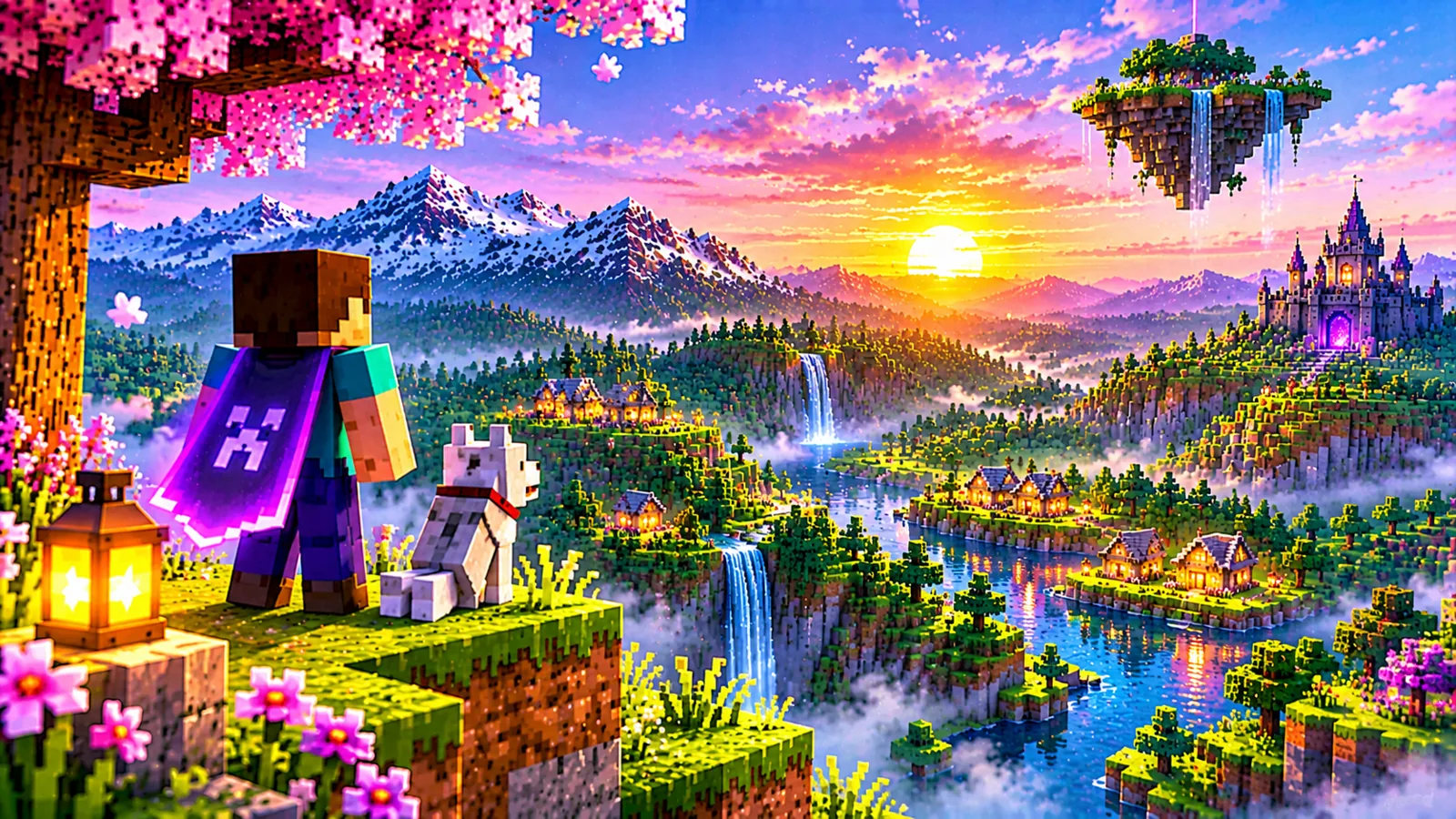
- Mountains and highlands. Altitude changes the relationship. From a summit, fog reads as valley mist below you, while distant peaks rely on aerial perspective to separate, light fog and rich grading flatter high terrain.
- Ocean and coasts. The horizon is the picture. Cloud coverage and fog colour at sunset dominate every view, which makes this the terrain where cloud quality is most defensible.
If your world centres on one base, tune for its biome and accept compromises elsewhere. Travellers should pick the middle settings that offend nowhere. And when you relocate, a new base in a new biome is a new sky, even in the same world, spend two minutes at sunset re-judging coverage and fog before assuming the old settings travelled with you.
Common atmosphere misconfigurations
- Fog too light for a short render distance. The chunk border sits fully visible, a hard line where the world simply stops. Denser fog exists precisely to hide this, and mismatch in this direction is the single most common atmosphere mistake.
- Fog too dense for a long render distance. The mirror error: you pay for distant chunks and then veil them. Whenever you raise render distance, revisit fog in the same session.
- Cloud quality judged at noon. Flat midday light hides both the beauty and the cost of detailed clouds. Always judge the sky at sunrise or sunset, in the same spot, before and after the change.
- Fixing washed-out distance by removing atmosphere. Aerial perspective is what separates a landscape from a diorama. Reduce fog density in small steps rather than stripping the grading that gives terrain its depth.
- One sky for every world. Atmosphere settings are stored per style and cheap to change; a moody hardcore world and a bright creative world deserve different skies, not a compromise that suits neither.
Frequently asked questions
Why do distant mountains look washed out?
That is aerial perspective, fog and atmosphere doing their job. If it feels excessive, lighten fog density slightly rather than disabling atmosphere outright; depth cues are worth keeping.
Clouds look great but my FPS fell off a cliff. Why?
Detailed clouds are rendered with depth across the whole sky, a constant cost in every outdoor frame. Drop cloud quality one step and re-test in the same spot at the same time of day.
Can I get vanilla-style flat clouds back?
The pack's sky is integral to its look, but cloud settings at their simplest come close to a light-touch sky. If you want true vanilla skies, that is the vanilla renderer, no shader pack will meet you all the way there.